

- Home
- Guides
- TAPPO Management
- POS Account Management
POS Account Management
Path: Tappo Terminal Management -> Organization -> POS Account Management
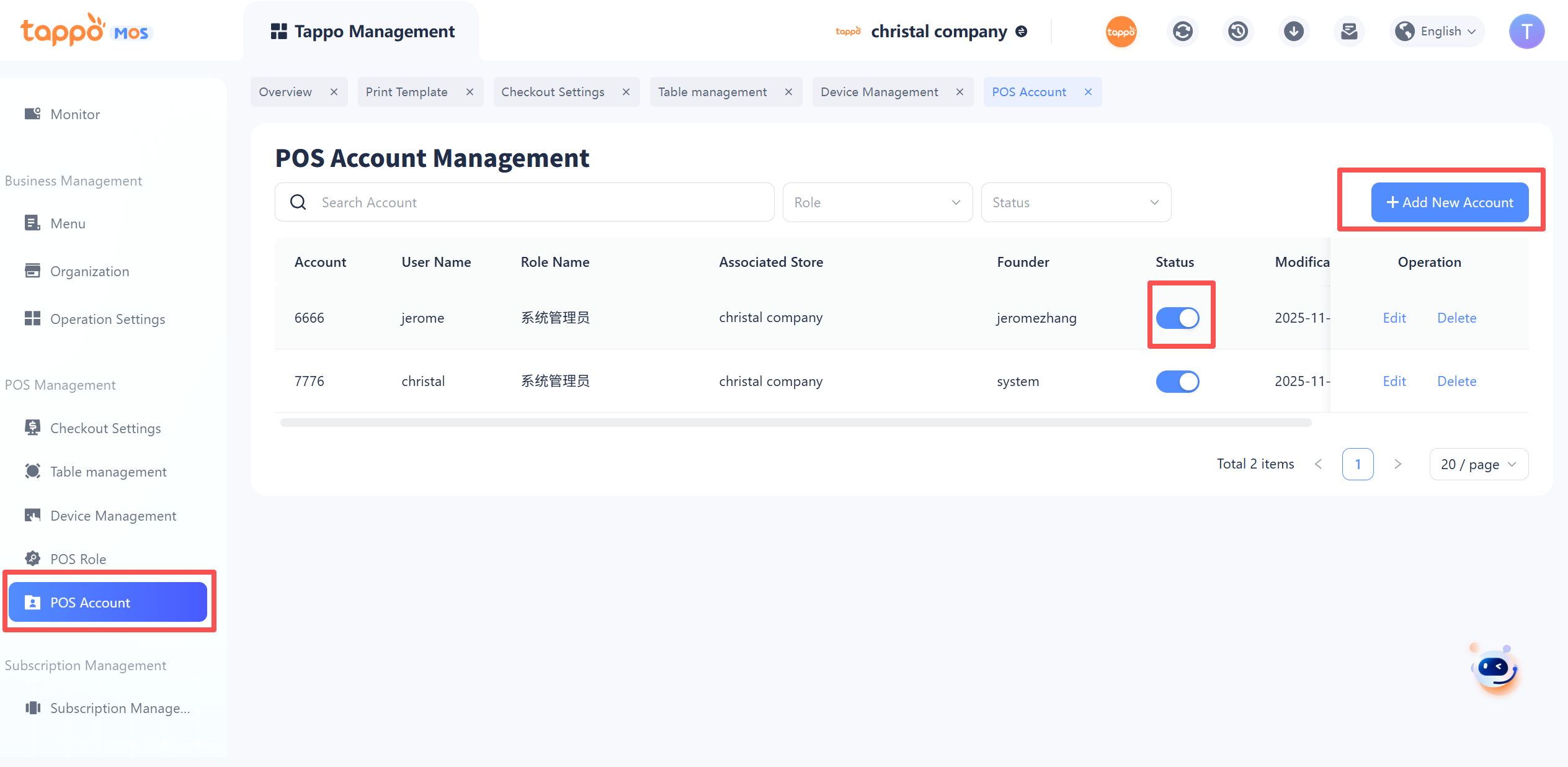
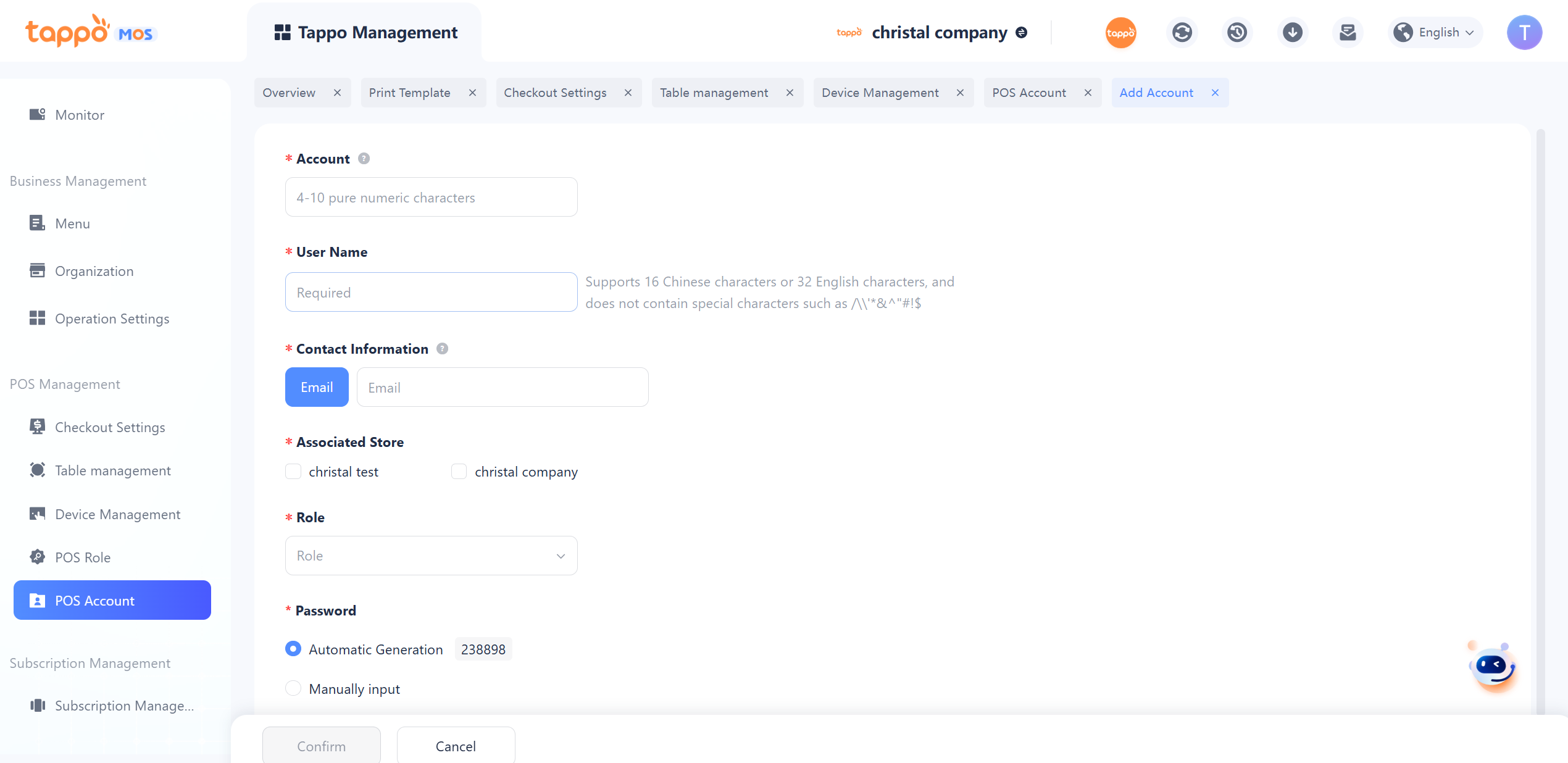
1. Add Account: The POS account is used to log in to the Tappo POS cash register terminal. Click [Add Account] to jump to the account creation page. To create a new POS account, you need to fill in information such as account, username, contact email, associated store, and role. Save after completing the filling to generate a new account.