

- Home
- Guides
- TAPPO Management
- POS Role Management
POS Role Management
Path: Tappo Terminal Management -> Organization -> POS Role Management
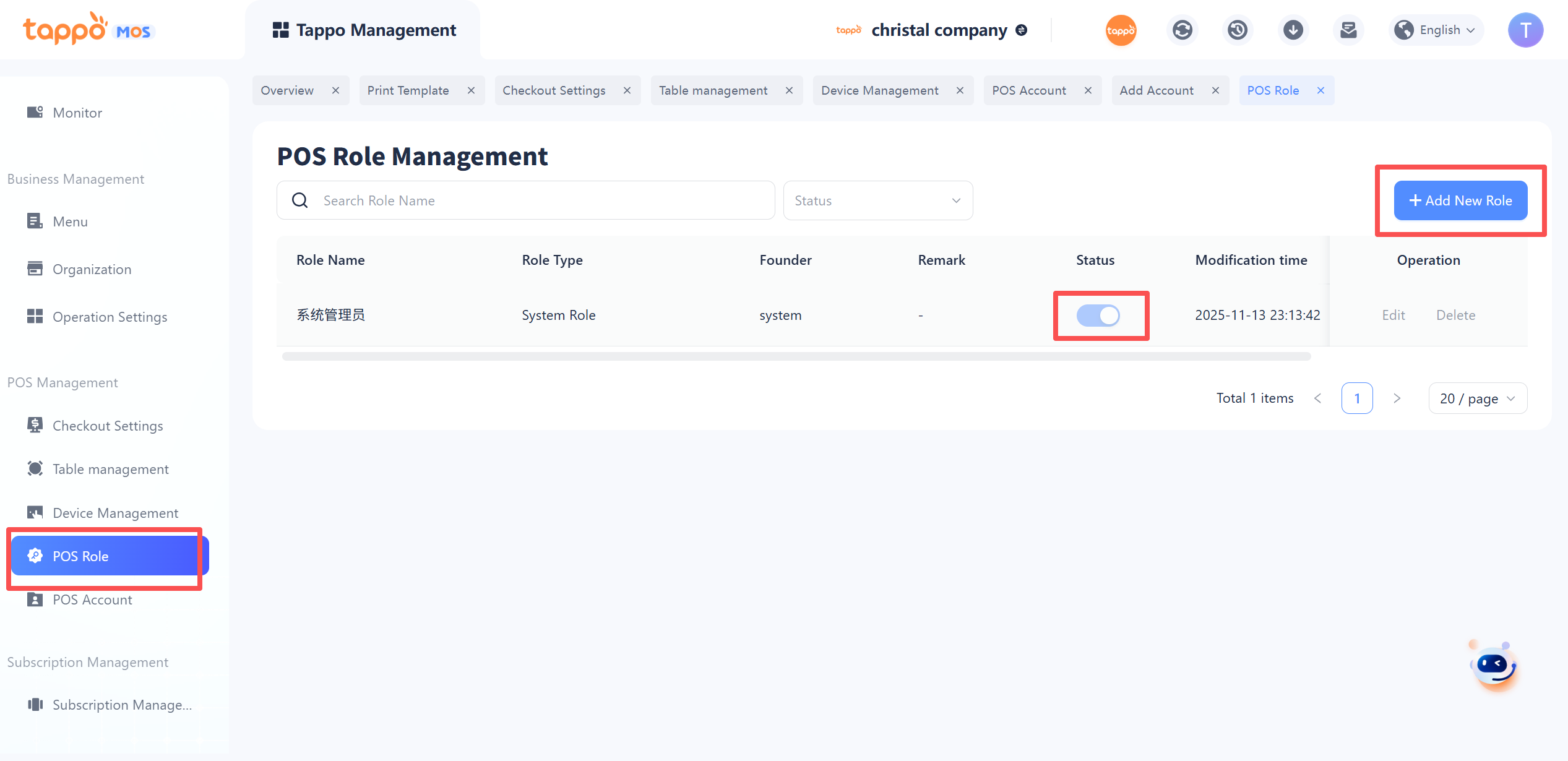
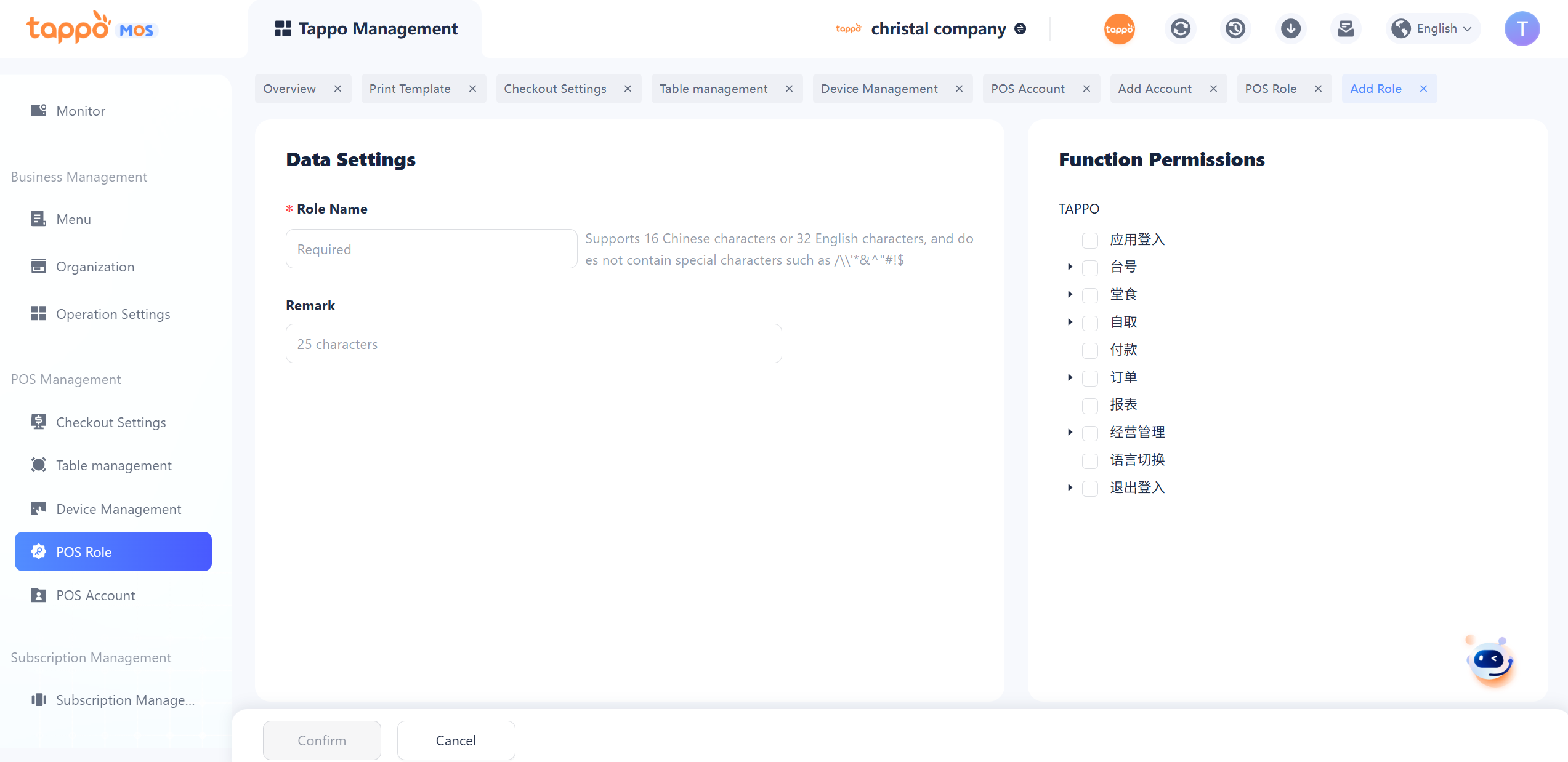
1. Add Role: POS roles are used to control the scope of functional usage of Tappo POS for accounts on the Tappo POS terminal. Click [Add Role] to jump to the role creation page. To create a new POS role, you need to fill in the role name, check the scope of POS functional usage, and other information. Save after completion to generate the new role.