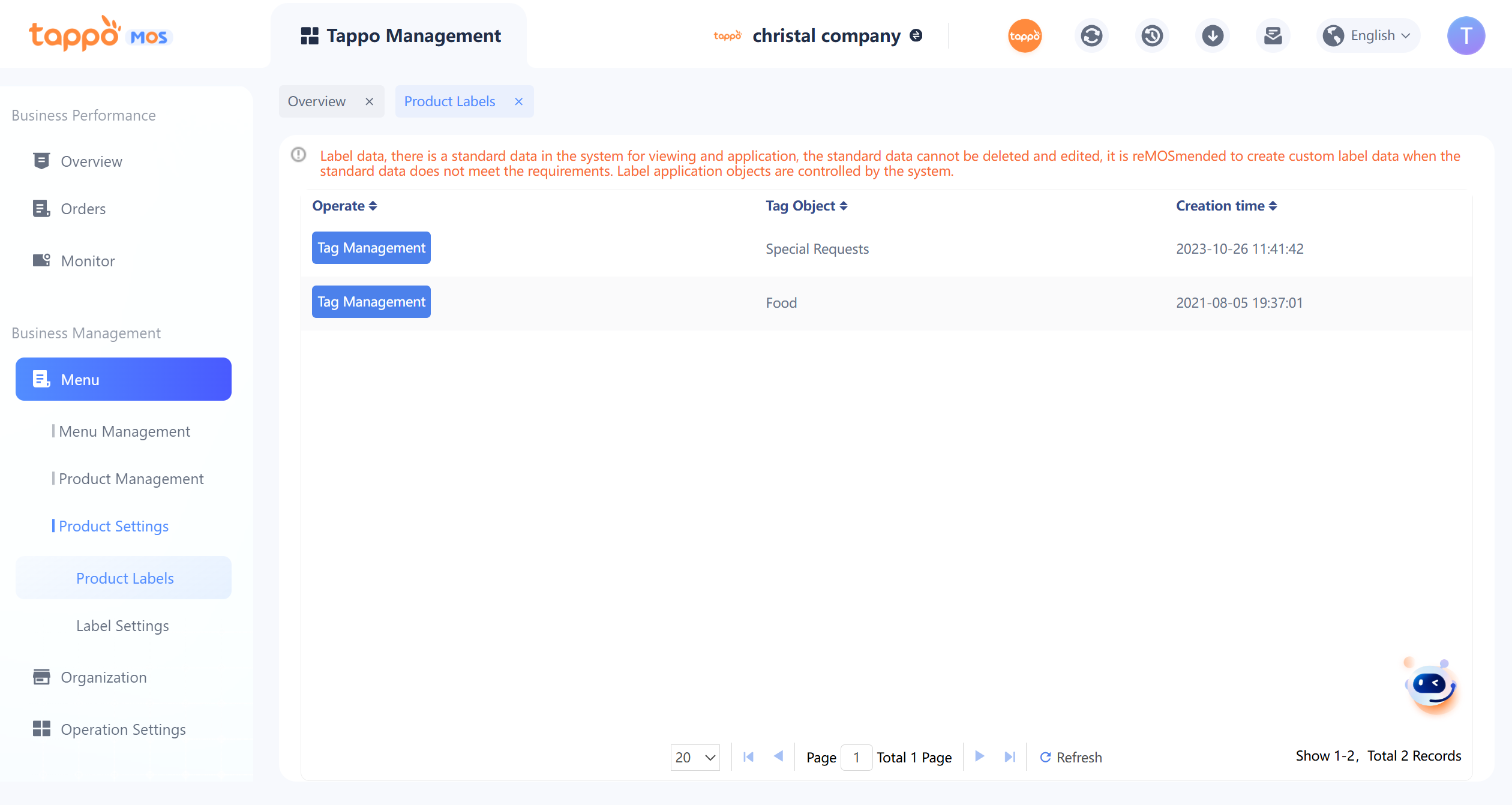
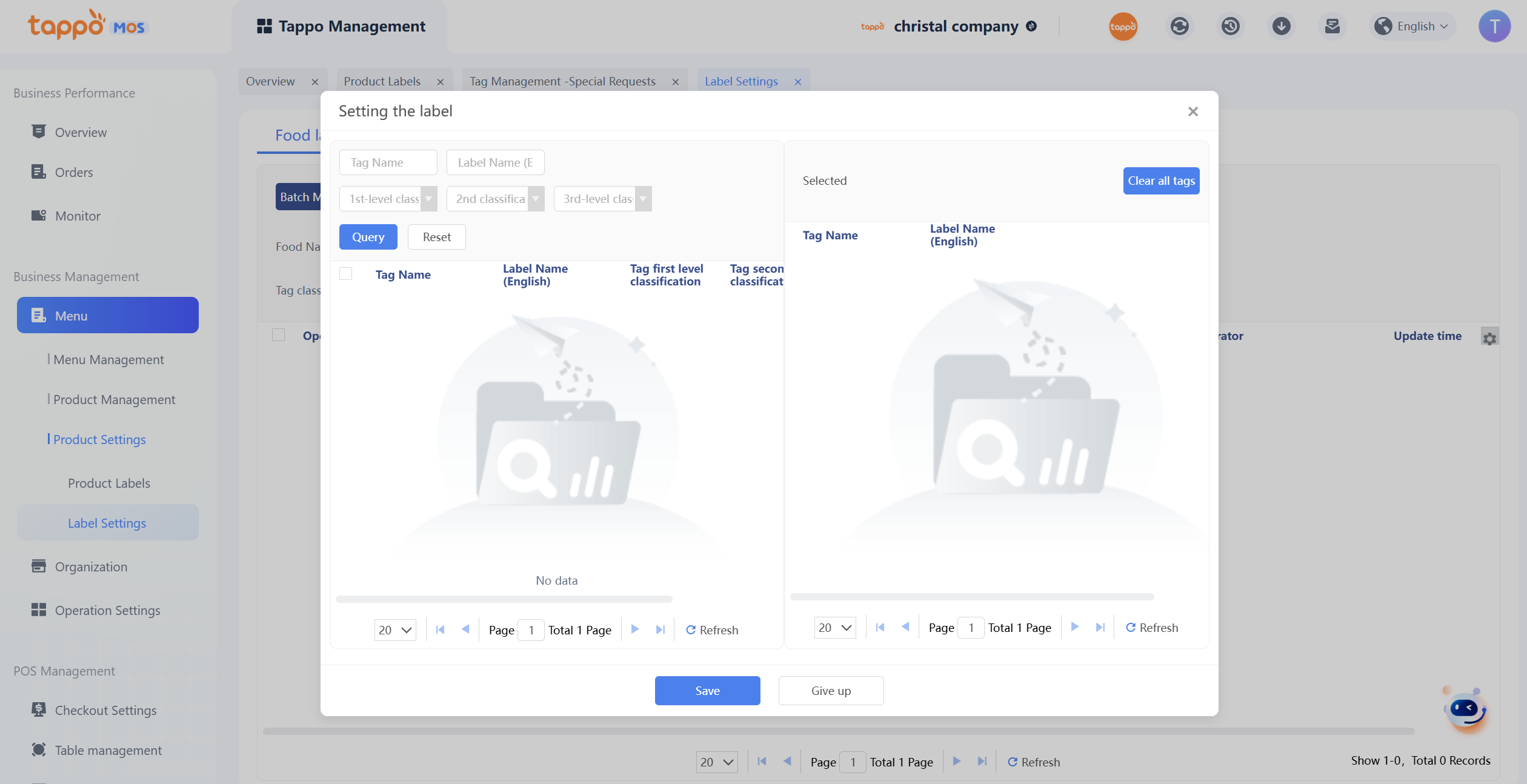
Used to add tags to dish objects, apply tags to dishes, set dish tags and query in tag application, export dish tags after query, and conduct group analysis based on dish tags later.
1. Click [Tag Management] of the object to be edited to enter tag addition.
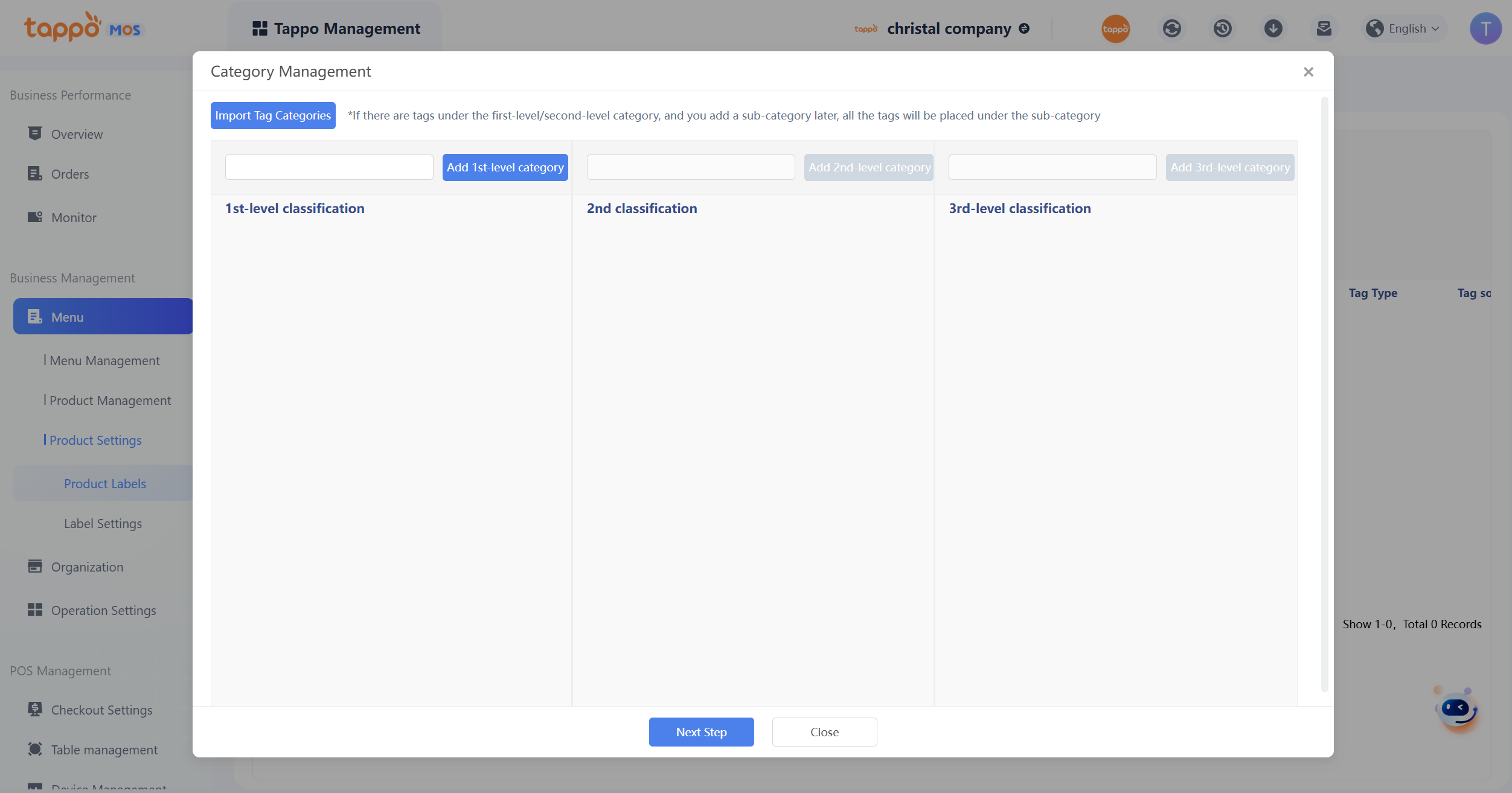
2. Tag categories will be automatically synchronized with the standard category library. Custom additions can be made by clicking [Tag Category Management].
3. Click [Add Tag] to enter tag settings.
4. System tags in tag sources are standard tag libraries created in the operation backend. Merchants can add custom tags if needed. Referenced tags cannot be edited but can be deleted. After deletion, all dishes applying this tag will have the tag removed.
Label Settings
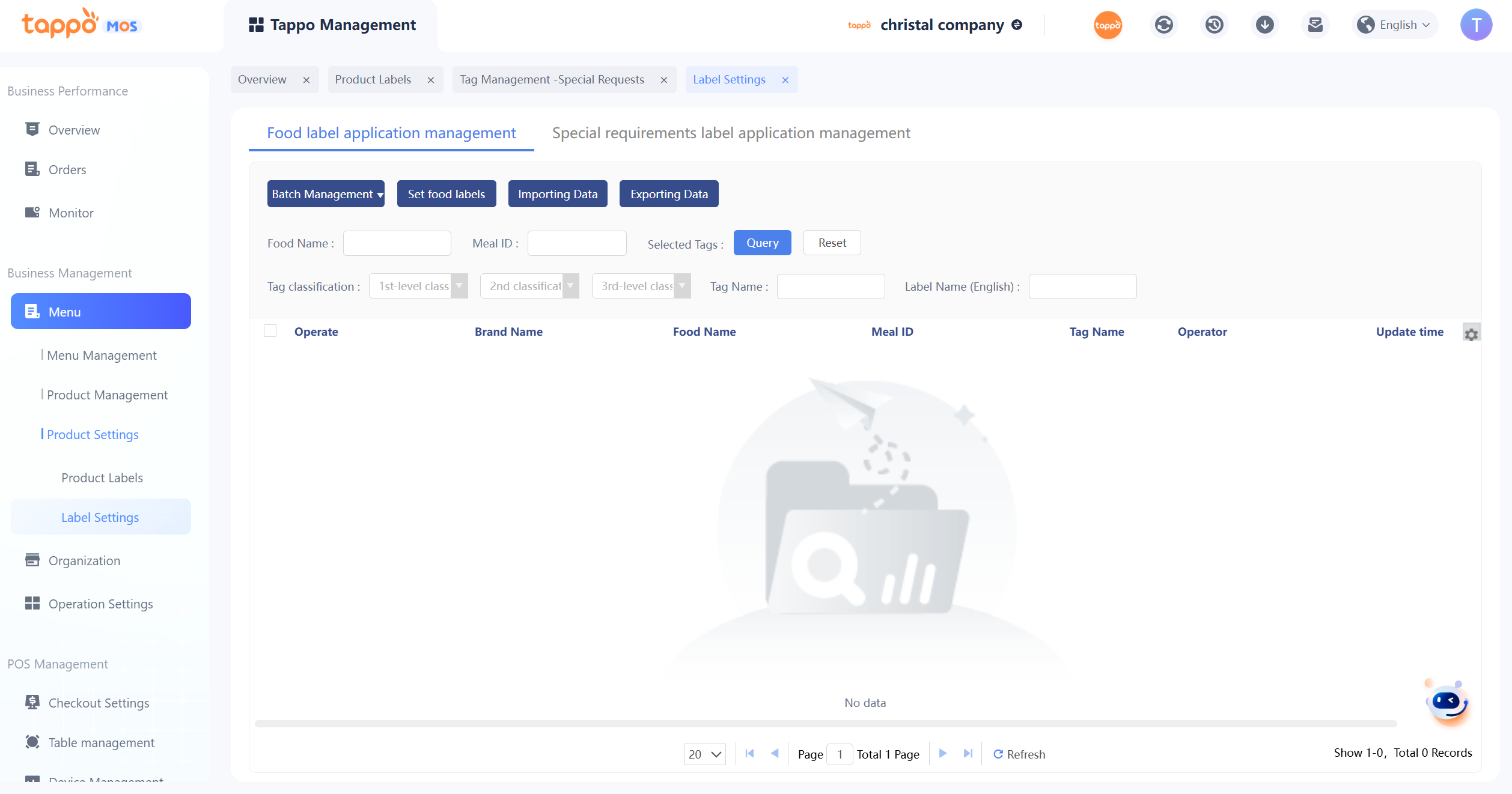
1. Click [Set Dish Tags] to enter dish tag settings.
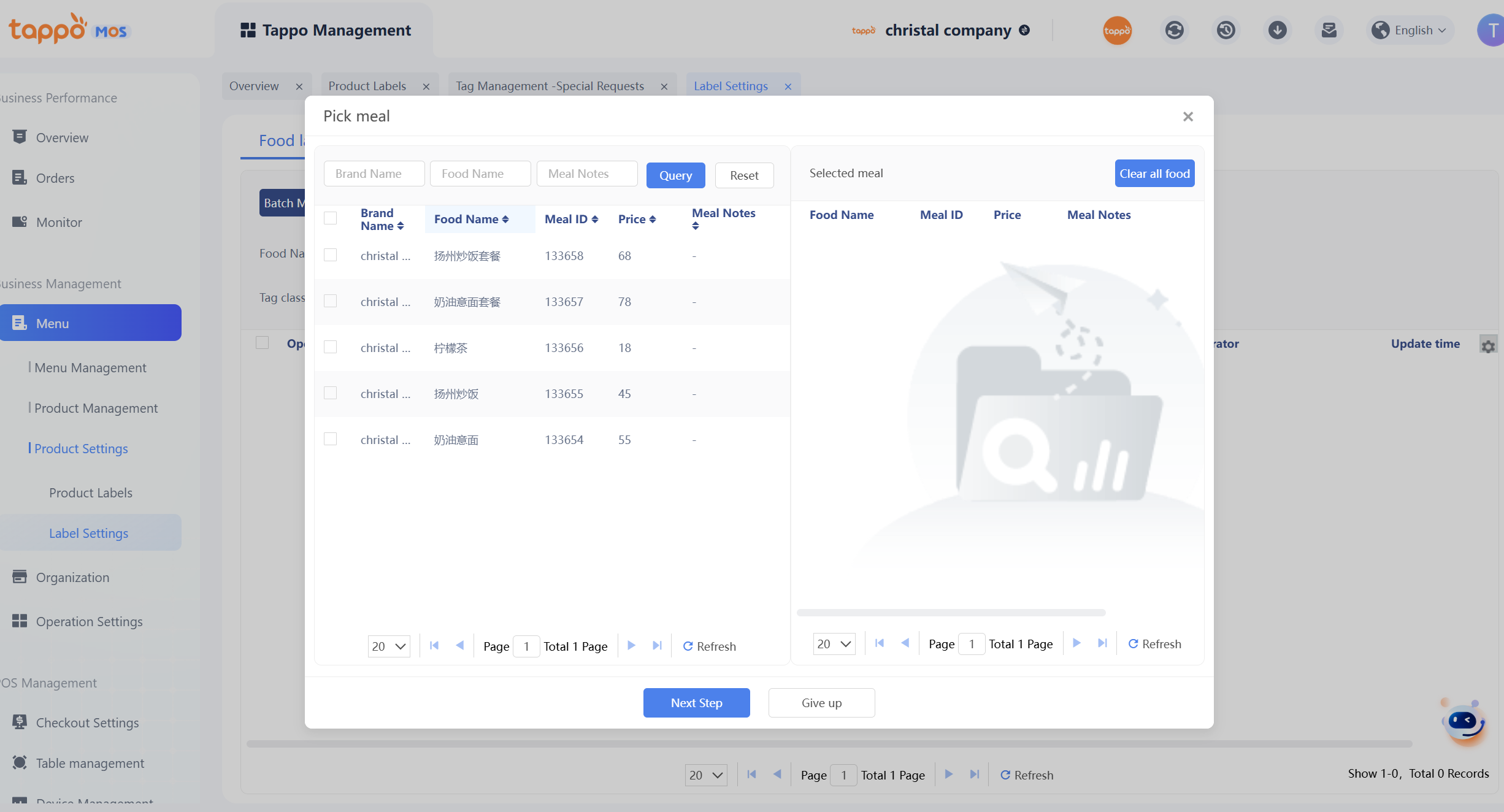
2. Step 1: Select dishes.
3. After selecting dishes, set dish tags.
After saving, the tags set for the dish will be displayed in the list. To modify the tags of a dish later, click [Edit]. To export the queried dish tag data, click Export Data.