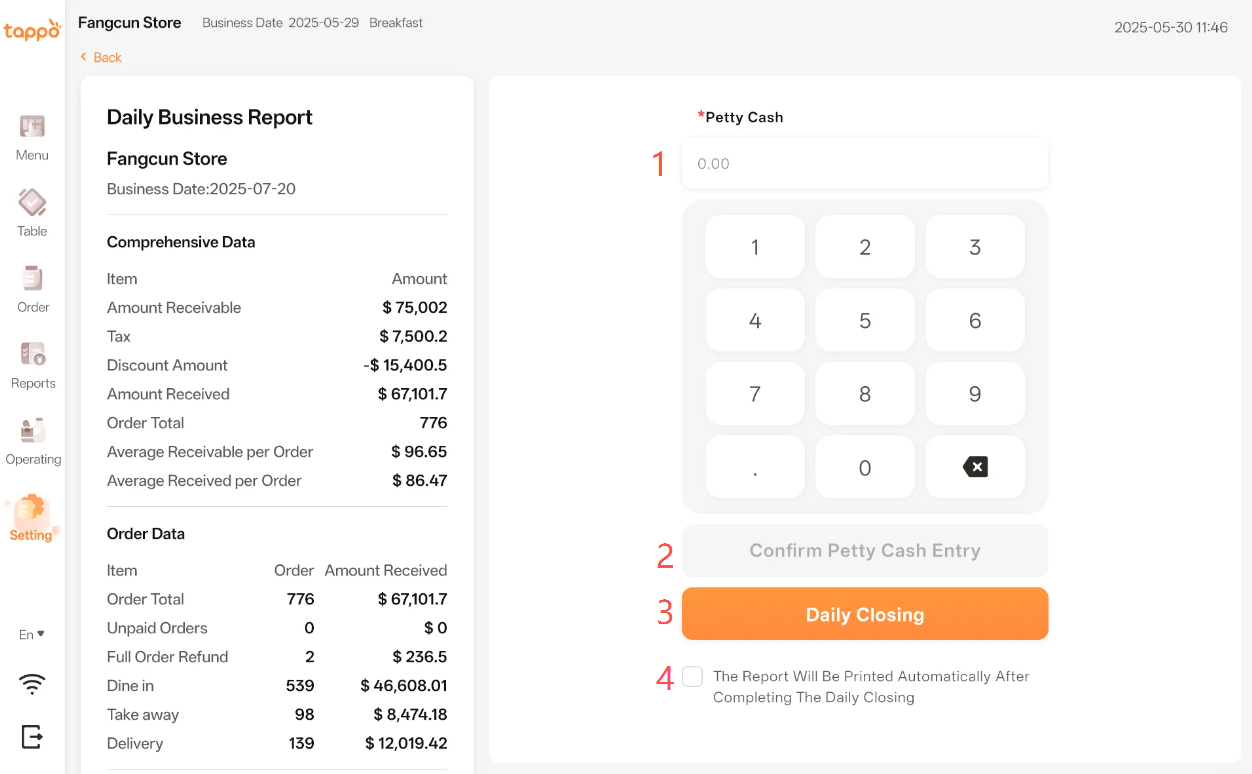
1. Petty Cash: Supports entering a value with two decimal places.
2. Confirm Petty Cash Entry: After entering the amount in the [Petty Cash] input box, click [Confirm Petty Cash] to record the petty cash in the report.
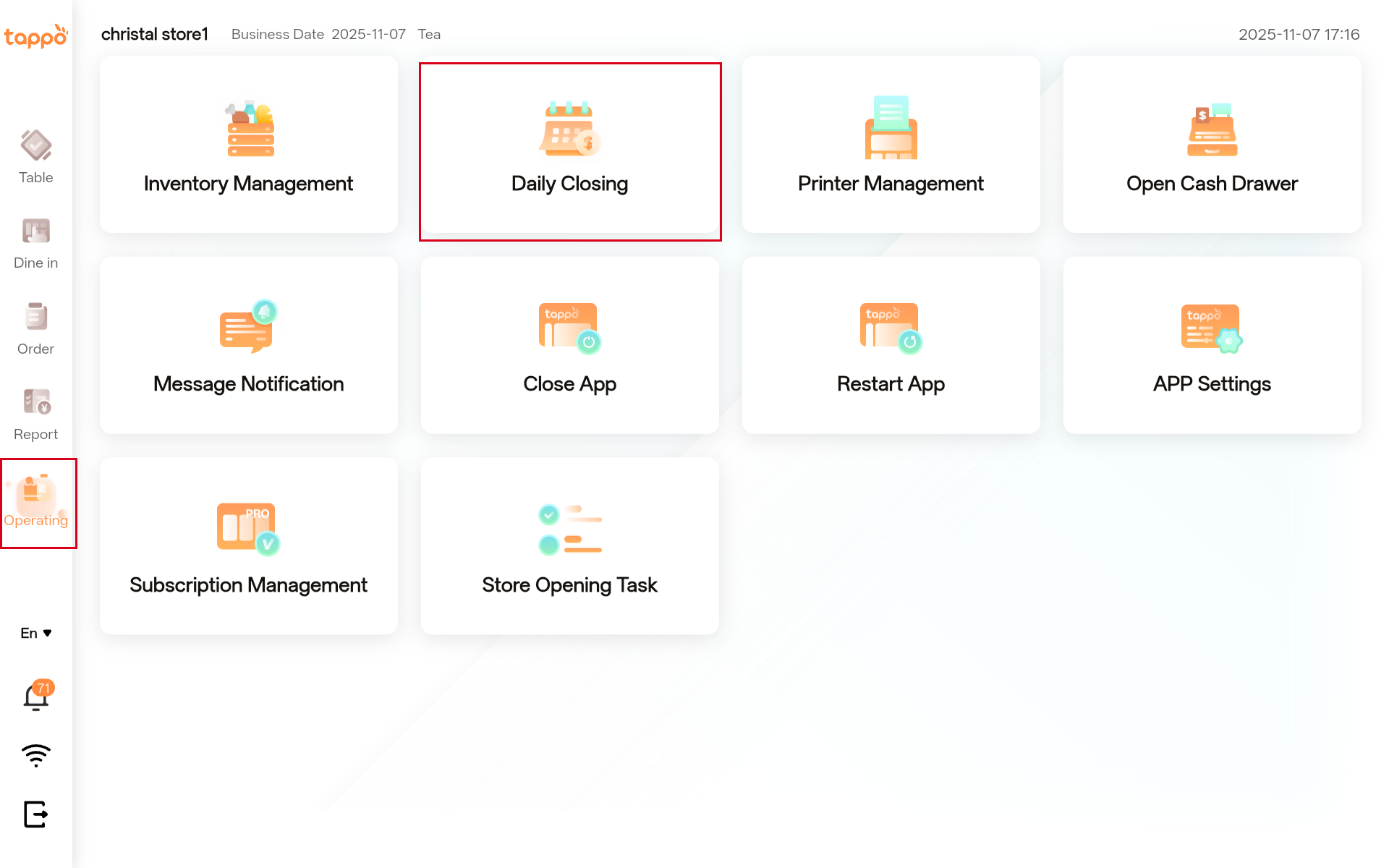
3. Daily Closing: Click the button to start the daily closing process.
4. Auto Print Report: Check the button to automatically print the daily operation report after daily closing.