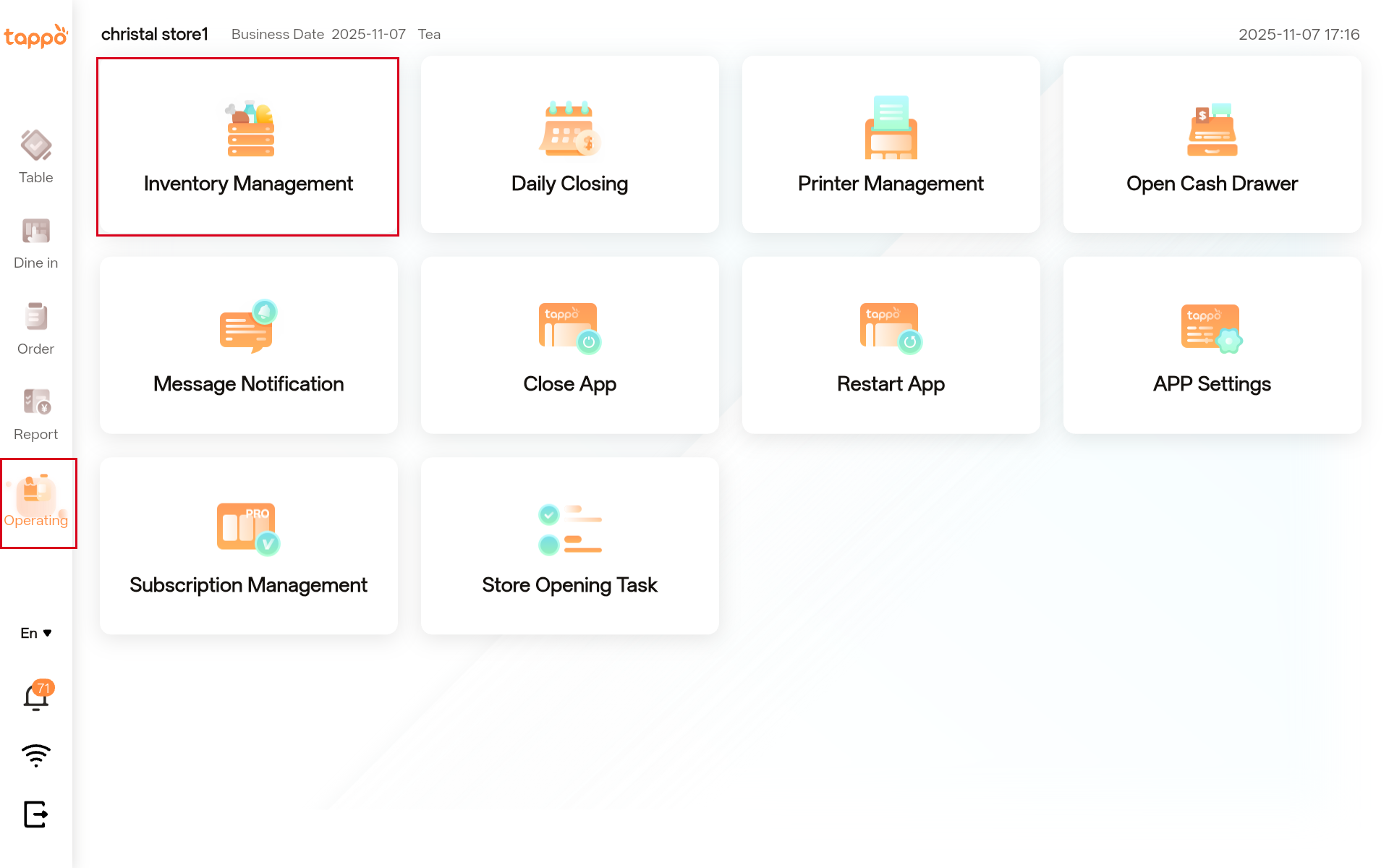
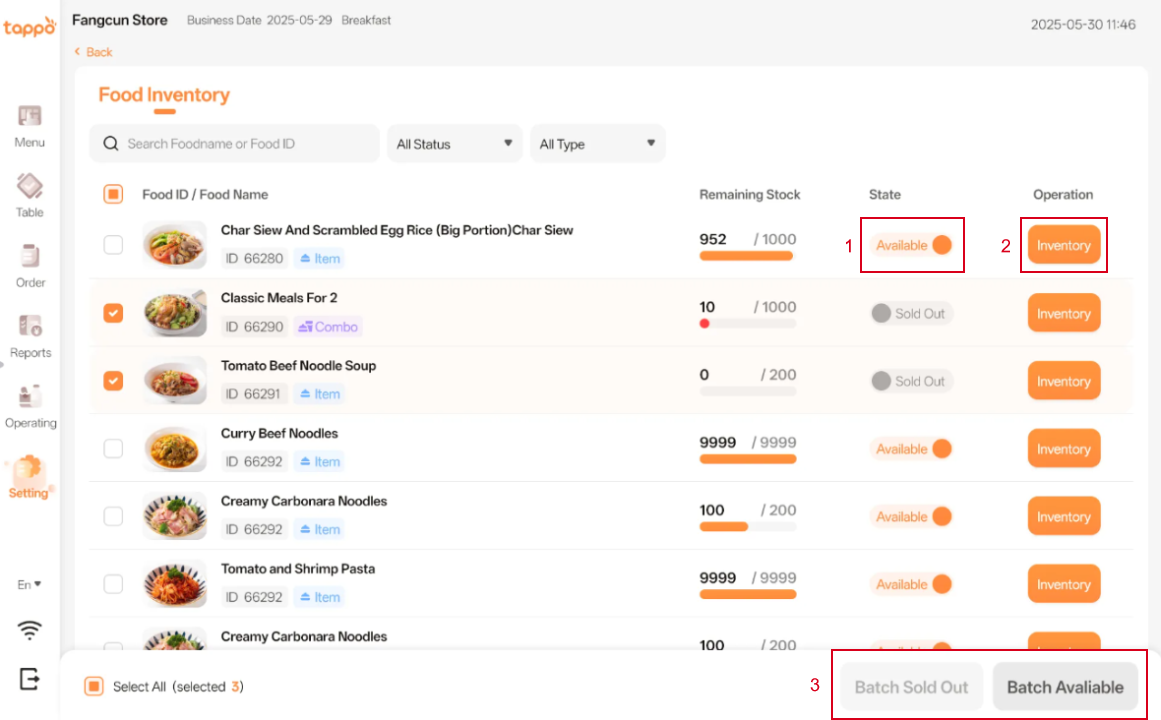
Generic selectors Exact matches only Search in title Search in content Post Type Selectors HomeGuidesTAPPO POSInventory Management Device Binding/Activation/Login POS Device Binding Activation Process Time Zone Verification Time Verification Login New User Registration New User Registration Ordering Dine-in – Non-Table Ordering Dine-in – Table Ordering Takeaway – Ordering Table Table Area Search Table Temporary Addition Table Number List Payment Payment Orders Orders Reports Reports Operations Inventory Management Daily Closing Printer Management Message Notifications App Settings Open Cash Drawer & Close App & Restart App Subscription Management New User Task Hamburger Toggle Menu Inventory Management 1.1 Path: Operating -> Inventory Management 1.2 Function Description 1. Status: You can view the sales status of dishes. Click [Status] to switch the dish to “Sold Out” or “Available”.2. Inventory: Click [Inventory], and in the pop-up window, you can put the special requirements of single dishes or set meals online or offline.3. Batch Sold Out & Available: Select multiple dishes in the list to quickly set them to “Sold Out” or “Available” in batches. Help us give you a better customer experience. Send