
- Home
- Help Guides
- Scan to order
- Merchant Obtains Table QR Code
Merchant Obtains Table QR Code
One-Time QR Code
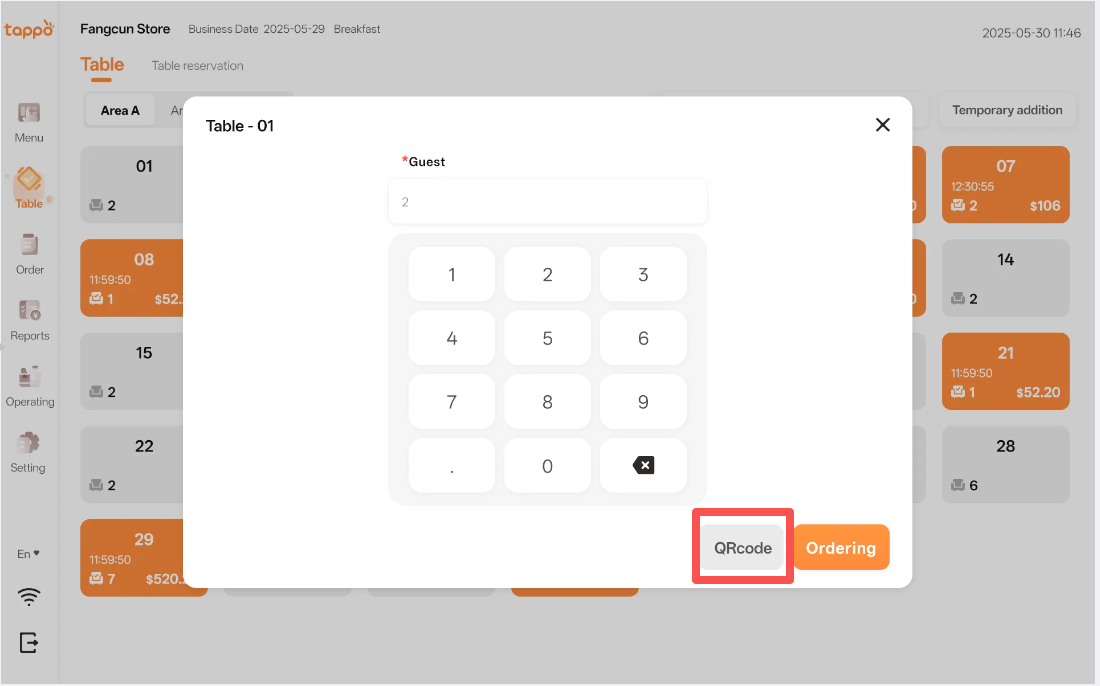
Merchants can print the one-time table QR Code for customers to scan and place orders. The operation path is: Tappo -> Table -> Click on the table -> In the pop-up window, click [QRCode] to print the one-time table QR Code.
Note: The One-Time QR Code is valid for a single order. That is, after the customer scans the code to place an order and completes the payment, the order status changes to “Completed”, and the One-Time QR Code becomes invalid.
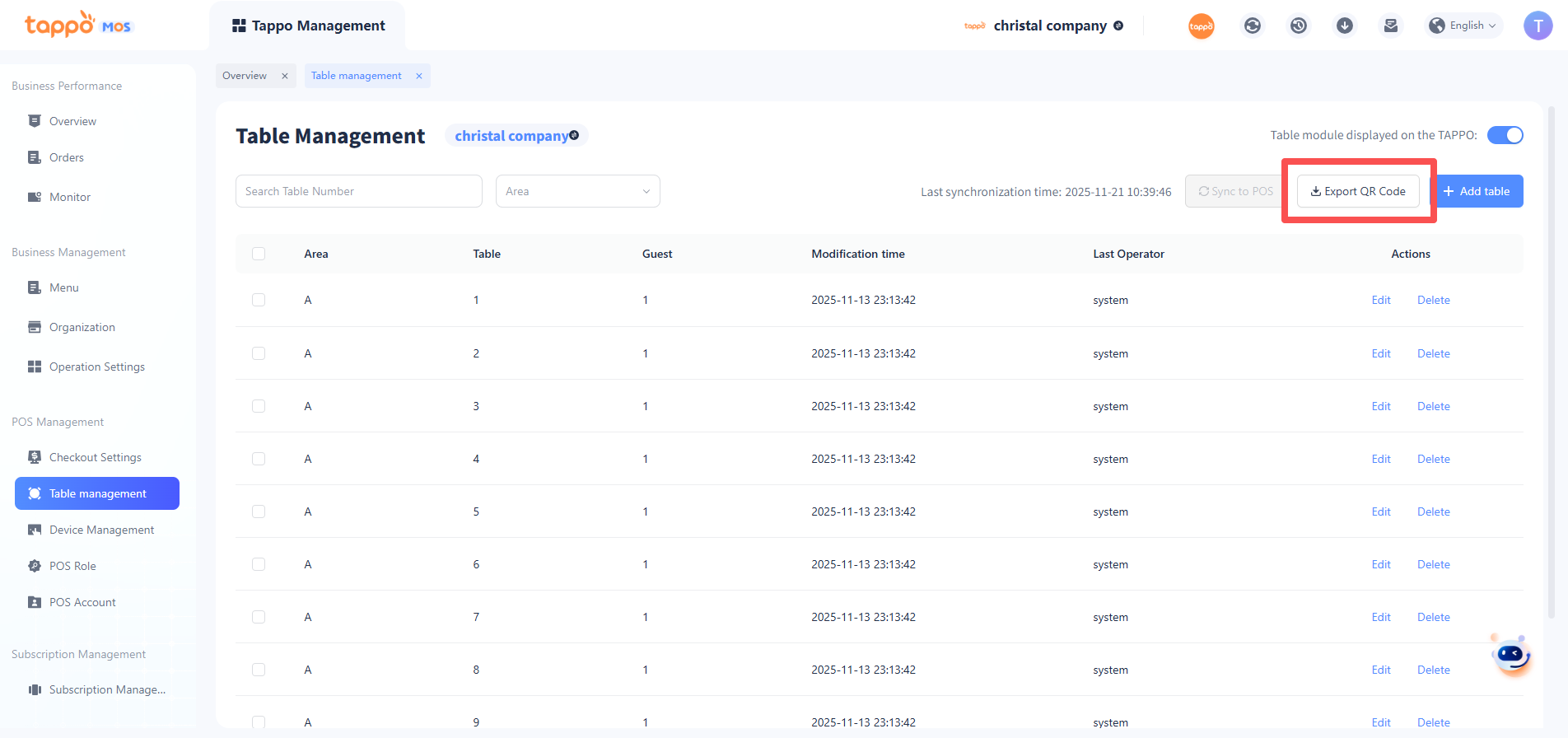
Permanent QR Code