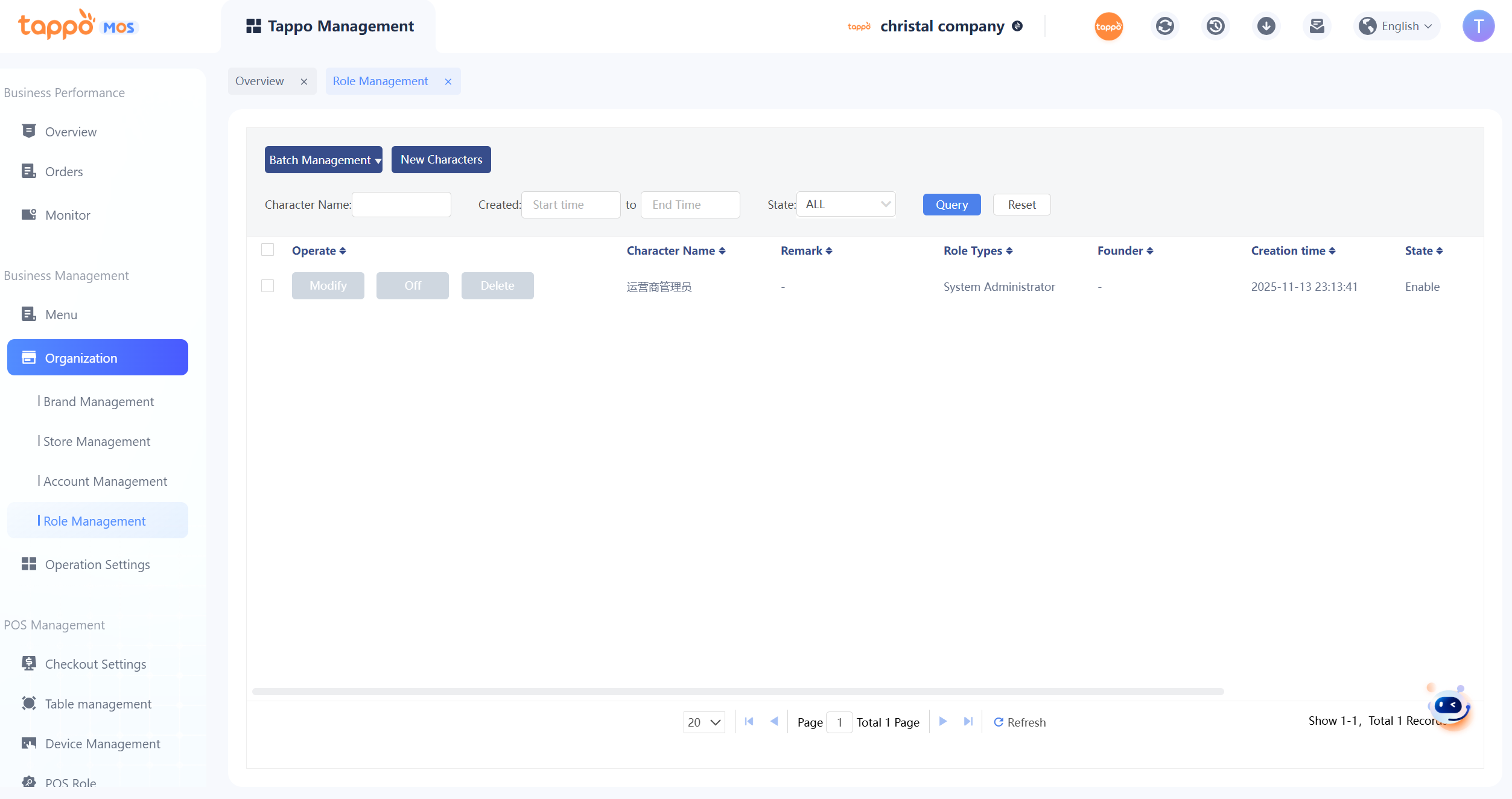
This function provides custom role management for MOS. Explanations of MOS roles are as follows:
1. Default Roles: Currently, for each operator version, the system defaults to the roles of Operator Administrator, Brand Administrator, and Store Administrator. Each role has different ranges of available functions. Merchants can use them as needed. The default roles of Operator and Brand have all MOS functions (menu page) permissions, while the default Store role has only partial functions.
2. Custom Roles: Merchants can set custom roles according to their own operation needs, such as Report Role, which only views some functions (menu pages) of MOS.
3. Page Permissions: Responsible for managing which operations of a function each role can use, i.e., controlling which operation buttons on each page can be opened for users to click and operate.
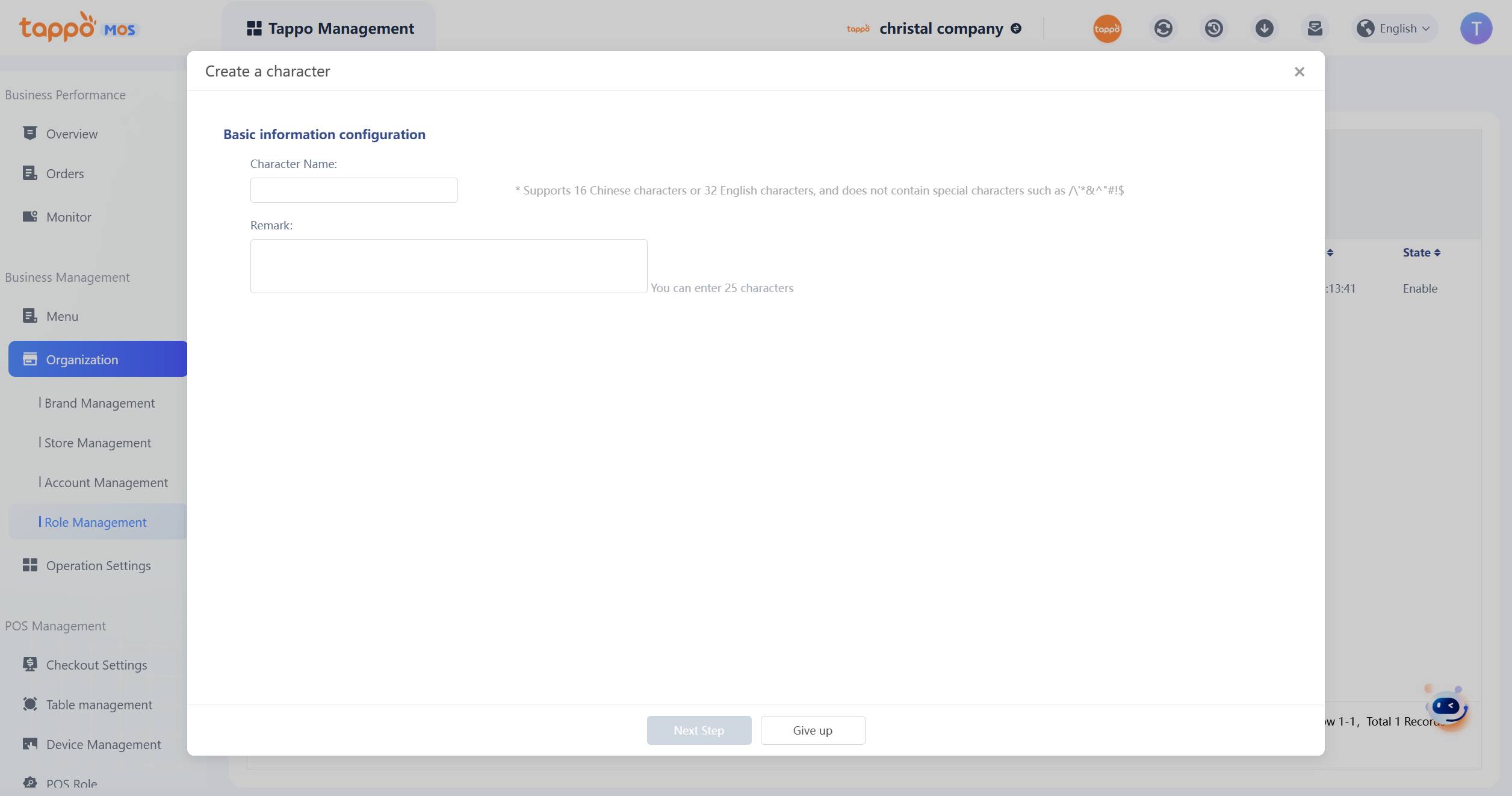
[Add Role] Add Custom Role Step 1: Enter the role name and fill in the remark information if needed.
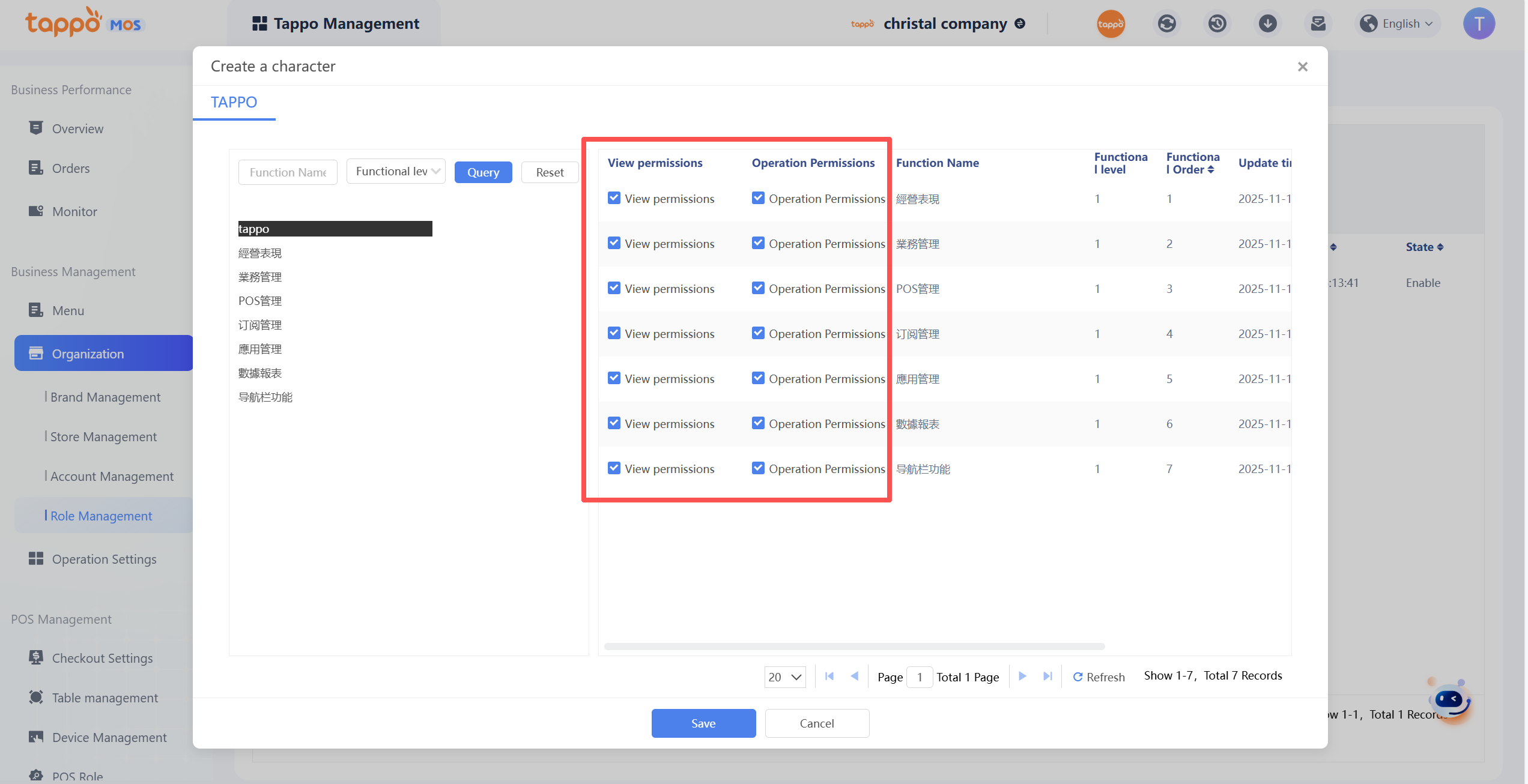
Step 2: Custom Role Authorization
The left side displays the function permissions obtained by the role of the current operator. According to actual needs, you can check some function permissions to grant to the new custom role. The right side displays the function permissions currently granted to the new custom role. You can set the view and operation permissions for the menu of the granted functions. Without view permission, the menu will be hidden. Without operation permission, a prompt of no operation permission will be displayed.
[Page Permission Setting]
Operation Steps:
Select a custom role, click [Page Permission Setting] to enter the setting interface. The system will display the function permissions obtained by the current role and the operation permissions of the supported functions. Operation permissions can be set to view and operation permissions. View permission controls whether the operation buttons are hidden or displayed, and operation permissions control whether the operation can be performed. Currently, it mainly controls MOS, and some general permissions are not controlled.