


Restaurant POS Hardware Checklist for New Restaurants in Hong Kong
 Jul 03,2026
 By Tappo Team
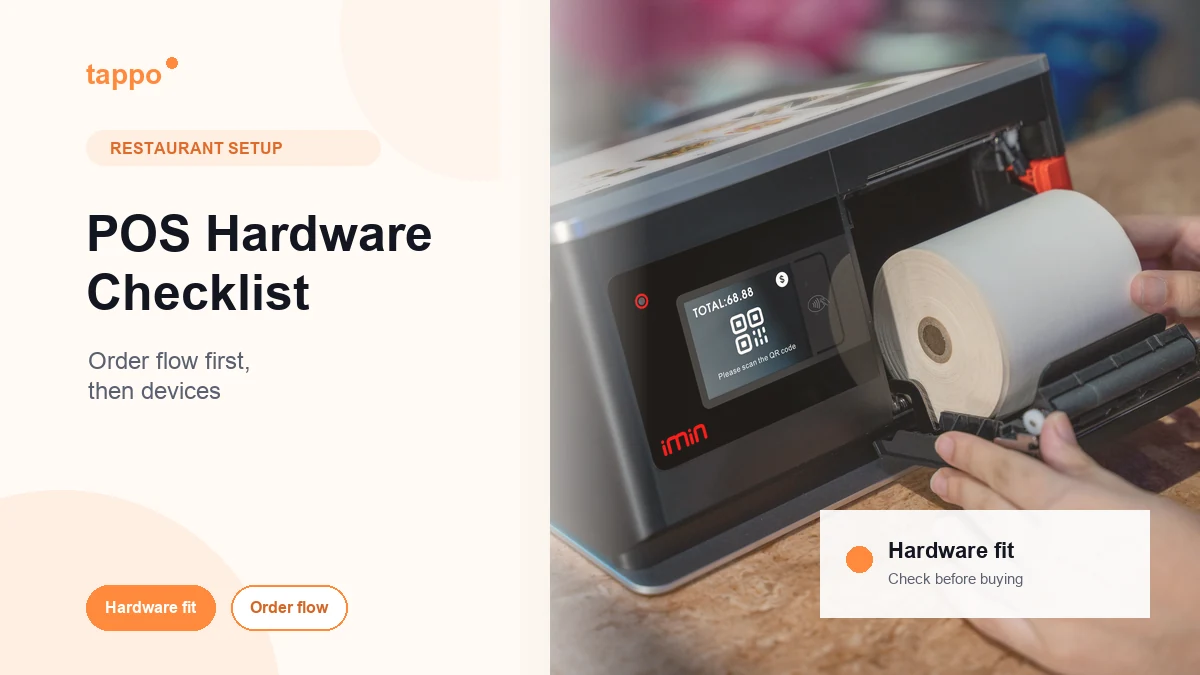
In short
For restaurant POS hardware checklist, check the tablet, printer model and interface, card terminal and real order flow one by one; an old POS machine is not a substitute for the tablet setup. Best for small Hong Kong restaurants that want a clear, testable next step; ask first whether your exact workflow, equipment and order volume fit.
Reviewed by: Tappo Team Last updated: July 2026
This guide helps small restaurants plan POS hardware questions before buying equipment. It does not claim support for any specific tablet, printer, cash drawer, terminal or accessory model.
When a new restaurant prepares its POS setup, it is tempting to start with a shopping list. Tablet, stand, printer, cash drawer, receipt paper, counter space: the list can grow quickly.
But a better restaurant POS hardware checklist starts with service flow. Hardware should support the way orders move through the shop, not force the shop to change its workflow around devices.
Start With the Order Path
Before thinking about devices, map where orders come from and where they need to go.
| Order path | Hardware question |
|---|---|
| Counter order | Does staff need one main screen at the cashier area? |
| Dine-in order | Does the team need a clear way to separate table orders from takeaway orders? |
| QR ordering | Where will staff review orders after customers scan and order? |
| Self-pickup order | How will staff identify the order when the customer returns? |
| Menu change | Can staff update items without touching several devices? |
| Daily close | What information does the owner need to check at the end of the day? |
If the order path is unclear, hardware decisions become guesswork. The same tablet or printer can feel simple in one shop and awkward in another.
The Core Setup to Think About
A small restaurant does not always need a large counter setup on day one. The useful question is what the shop needs for service to run clearly.
Common areas to check include:
- a main POS screen for staff;
- a stable counter position for taking orders;
- receipt printing needs;
- cash handling needs;
- QR ordering display or menu access;
- order review during busy periods;
- a way to handle edits, cancellations and pickup orders.
This is not a list of things every shop must buy. It is a checklist for deciding what is necessary now and what can wait.
Tablet or Fixed Cashier Counter?
Some restaurants still prefer a fixed cashier-style setup. Others prefer a lighter tablet-based setup. Neither choice is automatically right.
| Setup style | When it may fit |
|---|---|
| Fixed counter setup | The shop has a stable cashier position and many walk-in orders |
| Tablet-based setup | The shop wants a lighter counter, flexible menu editing and lower startup friction |
| Mixed setup | Staff need counter orders plus QR or self-pickup order review |
For small restaurants comparing tablet-based setups, read iPad or Tablet POS for Small Restaurants. The key is still workflow fit, not the device name.
Receipt Printing and Order Visibility
Receipt printing looks like a hardware question, but it is really an order visibility question.
Ask:
- Does the customer need a printed receipt?
- Does staff need printed order notes during service?
- Can the team run without printing for some order types?
- Where should printed information appear if the counter is busy?
- What happens if an order is edited after it is placed?
If printing is important, confirm the exact requirements before buying equipment. Do not assume a printer will fit every POS workflow.
If the question is about how a payment provider fits the counter workflow, rather than whether a specific device will work, read Restaurant POS Payment Provider Integration in Hong Kong. Keep the hardware question separate and confirm the exact setup before buying equipment.
Before buying another printer: map the print points
For a small Hong Kong shop with one counter and one preparation point, start with the order path rather than a printer shopping list. Write down what each person needs to see when an order is taken, paid for and prepared.
| If this is needed | Ask this first |
|---|---|
| Customer receipt | Does the customer need a paper receipt for this order, or is another record already used in your current flow? |
| Preparation slip | Does the preparation point need a separate, readable instruction to make the order without returning to the counter? |
| No extra printer | Can the counter and preparation point already work from the same order view or a simple handover without adding another print point? |
Map the counter, the preparation point and the person who reads each record. Then take that map, together with photos of the current equipment and cables, when asking a provider what needs confirming. This checklist does not assume a particular printer model, connection, automatic routing or setup responsibility.
Before You Ask About Hardware, Take These Photos
This compact checklist helps a small restaurant describe its current setup. It does not confirm that any device will work with a new POS.
| Photo or detail | What to include |
|---|---|
| Counter device | Tablet or cashier position, stand and nearby power |
| Existing printer | Full device, model label, visible ports and connected cables |
| Placement | Where staff read orders and where receipts are handed over |
| Network | Router position and any wired connection near the counter |
| Current receipt flow | One normal sale and how staff handle a failed or changed order |
Send the facts, not a guess: include the printer model, interfaces, cables, placement and the current receipt flow. Compatibility, payment handling and any final hardware choice still need confirmation.
QR Ordering Changes the Hardware Conversation
QR ordering can reduce pressure at the counter, but it does not remove the need for a clear staff workflow. The shop still needs to receive, review and prepare orders.
For a QR ordering setup, check:
- Where customers will see the QR code.
- How staff will notice new orders.
- How menu updates will stay accurate.
- How dine-in, takeaway and self-pickup orders will be separated.
- What staff will do when a customer still wants to order at the counter.
If QR ordering is part of your plan, read QR Ordering System for Small Restaurants in Hong Kong before buying equipment.
Do Not Let Hardware Create Fixed Cost Too Early
For a new or small restaurant, the hardware decision should also connect to the cost model.
Before committing, ask:
- Which devices are necessary for opening day?
- Which items can wait until order volume is clearer?
- Is the software tied to a fixed monthly fee?
- Is there a long-term contract?
- Can the shop start with current pricing terms before order volume is stable?
For Hong Kong, dine-in + takeaway is capped separately at 3,000 points / HK$150 per month, while delivery-platform aggregation is capped at 1,000 points / HK$50. Using both scenarios gives a combined cap of 4,000 points / HK$200; these are usage-based caps, not fixed monthly fees. See the official Hong Kong pricing page.
For the full cost explanation, read No Monthly Fee POS in Hong Kong.
A Practical Pre-purchase Checklist
Use this checklist before buying POS hardware.
| Area | Check before purchase |
|---|---|
| Order flow | Counter, dine-in, takeaway, QR and pickup orders are clearly separated |
| Menu editing | Staff can update items, options and prices without heavy support |
| Receipt needs | Printing is based on real service needs, not habit |
| Counter space | Devices fit the actual counter and staff movement |
| Staff fallback | Staff can edit or cancel orders when service gets messy |
| Cost model | Hardware cost and software cost are both understood |
| Growth path | The setup can start light and expand only when needed |
This checklist should come before any final equipment purchase.
How This Fits Into POS Selection
Filled example: device record before requesting a quote
| Field | Example record | Status / who confirms |
|---|---|---|
| Counter tablet | Example model: Tablet A, 10-inch; illustrative assumption only | Already owned; shop owner to copy the exact model and OS version from Settings |
| Receipt printer | Xprinter XP-V320L; model shown on Tappo’s public Hong Kong hardware page | Use in this example only; supplier must confirm current price, availability and exact setup |
| Connection | The public listing shows USB + LAN + Wi-Fi; the example counter connection is assumed USB | Unverified for this tablet; installer / supplier to check the actual ports, cable route and network point |
| Kitchen ticket | One kitchen copy may be needed | Shop owner to confirm the workflow; supplier to confirm the exact print route |
| Compatibility | Tablet A + Xprinter XP-V320L | Not tested and not represented as compatible; verify the exact combination before purchase |
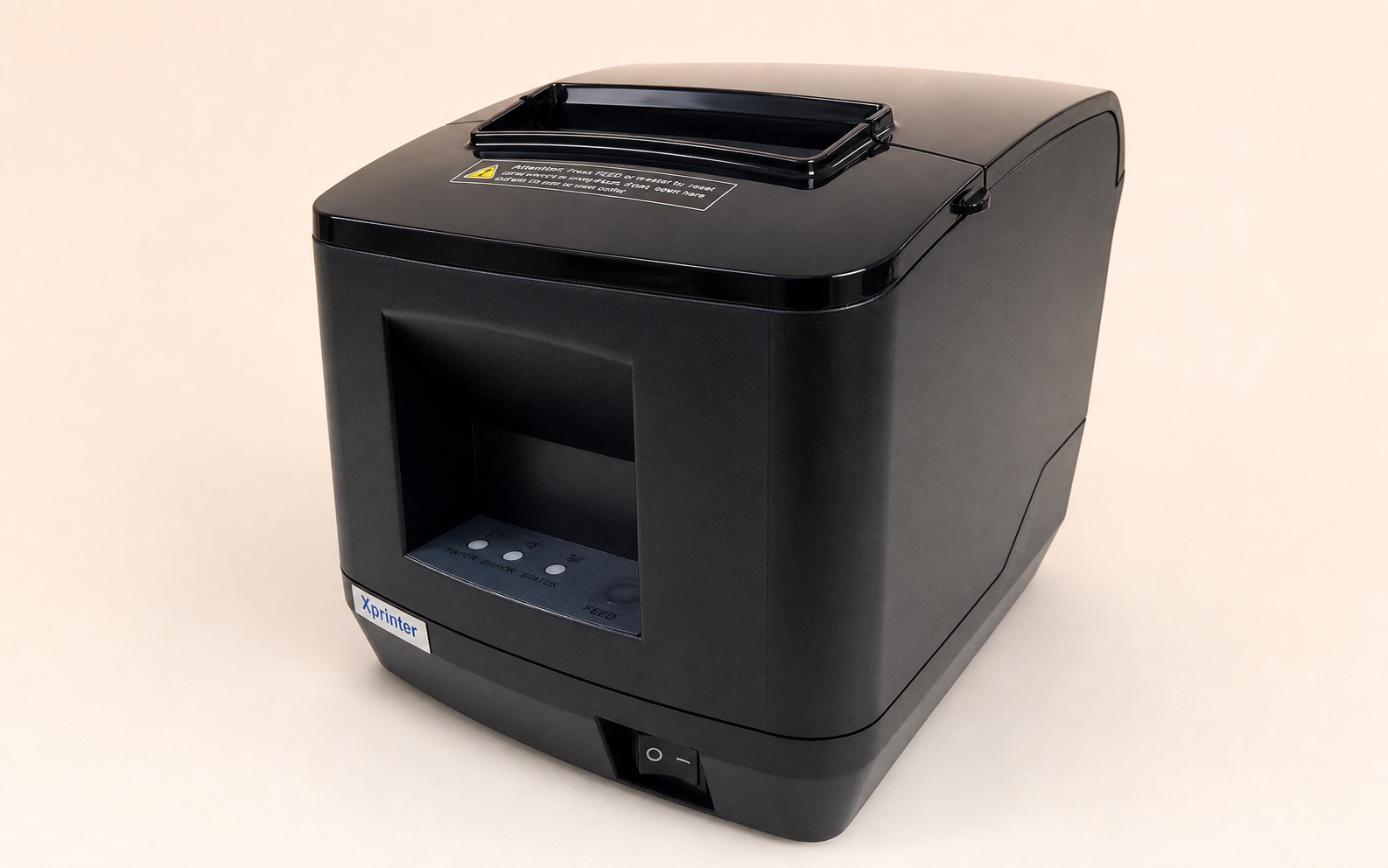
Tablet A is an illustrative assumption, not a model or compatibility statement. Replace it with the exact device on your counter and ask the responsible supplier to confirm the combination before buying. If you are comparing a traditional cashier machine with a POS, see the Hong Kong cash-register versus POS guide; this hardware checklist still owns the device-preparation questions.
Hardware is only one part of restaurant POS selection. A shop should also compare menu flexibility, ordering workflow, reporting needs, training time, pricing model and support.
If you are still comparing options, use Restaurant POS System in Hong Kong: How to Compare Options as the broader buyer guide.
Where Tappo Fits
Tappo is designed for Hong Kong restaurants and small shops that want a lighter way to manage POS, menu changes and order flow.
Tappo may be relevant if your shop wants to:
- avoid fixed monthly software fees;
- avoid long-term contracts;
- start with current pricing terms as a new user;
- manage dine-in, takeaway or self-pickup orders;
- keep menu changes practical for a small team;
- test QR ordering or a lighter POS setup before making larger hardware decisions.
This article does not promise that every device or accessory will work with Tappo. If hardware is important, confirm your required setup before purchase.
Learn more about Tappo Hong Kong POS.
FAQ
What hardware does a new restaurant need for POS?
It depends on the order flow. A small restaurant may need a staff screen, counter setup, receipt printing or cash handling, but not every shop needs every device on day one.
Should I buy POS hardware before choosing software?
Usually no. First confirm order flow, menu editing, QR ordering needs, pickup handling and cost model. Then decide what hardware supports that workflow.
Is a tablet POS enough for a small restaurant?
It can be enough for some small restaurants, but the decision depends on staff workflow, order types, menu changes and hardware requirements.
Does Tappo require a monthly fee?
No. Tappo states that it has no fixed monthly software fee. Check the current Hong Kong pricing page for order-based charges and any current offer terms before signing up.
Can this checklist replace a hardware compatibility check?
No. This checklist helps you prepare questions. You should still confirm exact device and accessory requirements before purchase.
Check the exact hardware before choosing
List each device model, operating system, port or interface and the job it must do; include clear photos where useful. Ask the relevant supplier to confirm the exact combination before purchase, because a model or connector alone does not prove compatibility.