


Restaurant POS Payment Provider Integration in Hong Kong: What to Confirm Before Setup
 Jul 24,2026
  By Tappo Team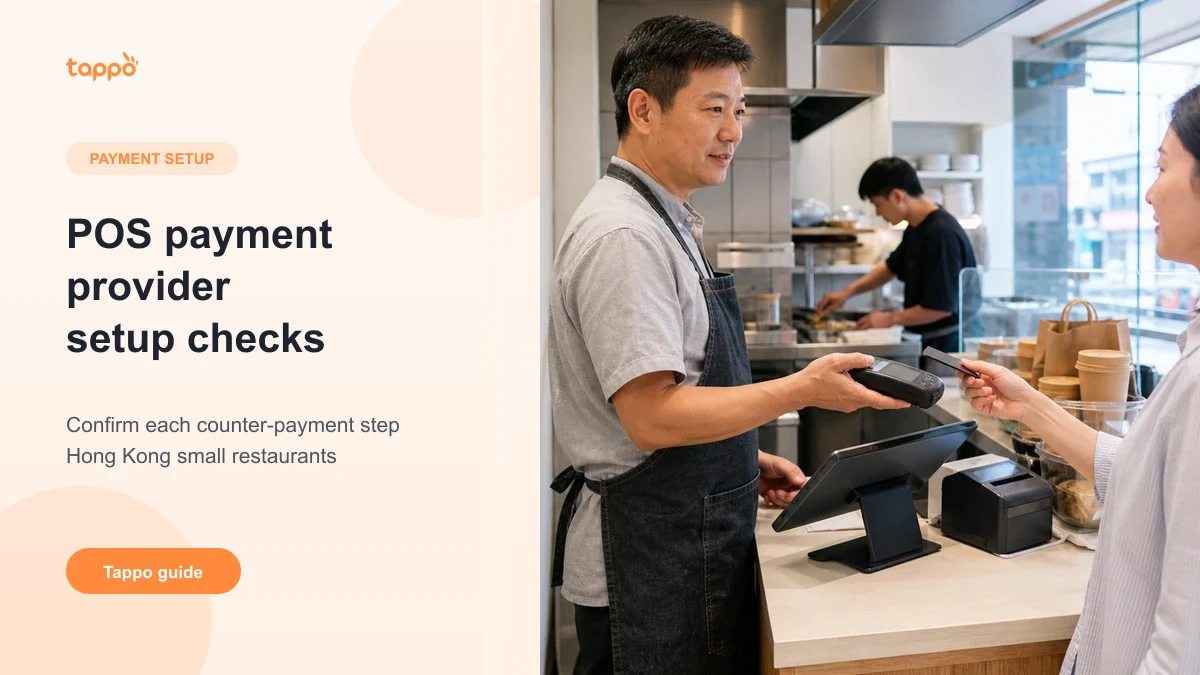
In short
This guide is best for a small Hong Kong restaurant planning an electronic-payment flow and needing to separate the POS, provider, terminal or payment page, and payment method. Ask first how one normal payment and one exception are handled, what staff see and who owns each next step. It is not a provider ranking, a fee comparison or a promise that transaction information is handled automatically.
Electronic payment involves more than one role. The POS records the restaurant order; a payment provider supplies a payment service; a terminal or payment page is where the customer pays; and the customer chooses a payment method. Tappo can connect to payment providers to enable electronic payment, but the actual payment setup must be confirmed before activation.
Keep four roles separate
Do not assume that a POS, a payment provider and a payment terminal are the same thing. Start by drawing one real counter or online-payment flow: who enters or confirms the amount, where the customer pays, what the staff member sees, and what they do when payment fails.
Seven questions for a small restaurant
- Which payment methods do customers expect to use?
- Which provider and terminal or payment page are being considered?
- Where does the customer complete payment?
- Who confirms the amount before payment?
- How does the team handle a successful, failed or repeated attempt?
- What is the actual process for cancellation or refund?
- Which provider explains fees, settlement and support responsibilities?
Do not infer automation from a connection
A connection does not by itself prove that an amount, payment status, receipt, refund, settlement or reconciliation will be handled automatically. Confirm each step with the relevant provider and with Tappo before changing a live counter workflow.
Route the next question to the right owner
For a printer, tablet, cash drawer or counter setup, use the restaurant POS hardware checklist. For QR menu editing, use the QR menu editing guide. For ongoing POS pricing, use the no-monthly-fee POS pricing guide.
Next step
Bring your current payment flow, provider name and equipment details to Tappo for a scope check. If you are comparing the wider POS setup as well, use the Hong Kong restaurant POS comparison. This page is not a payment-provider comparison, a terminal-compatibility list or financial advice.
Need to clarify a payment setup?
Share the payment flow, provider and equipment you are considering. Tappo can help identify the steps that need confirmation before you change a live counter workflow.
Explore no-monthly-fee POS pricing
Want to check the next step for your shop?
Share your shop type, menu, order flow and current equipment with Tappo so the next check stays specific.