


Restaurant POS System in Hong Kong: Start With the Workflow You Need to Fix
 Jul 14,2026
  By Tappo Team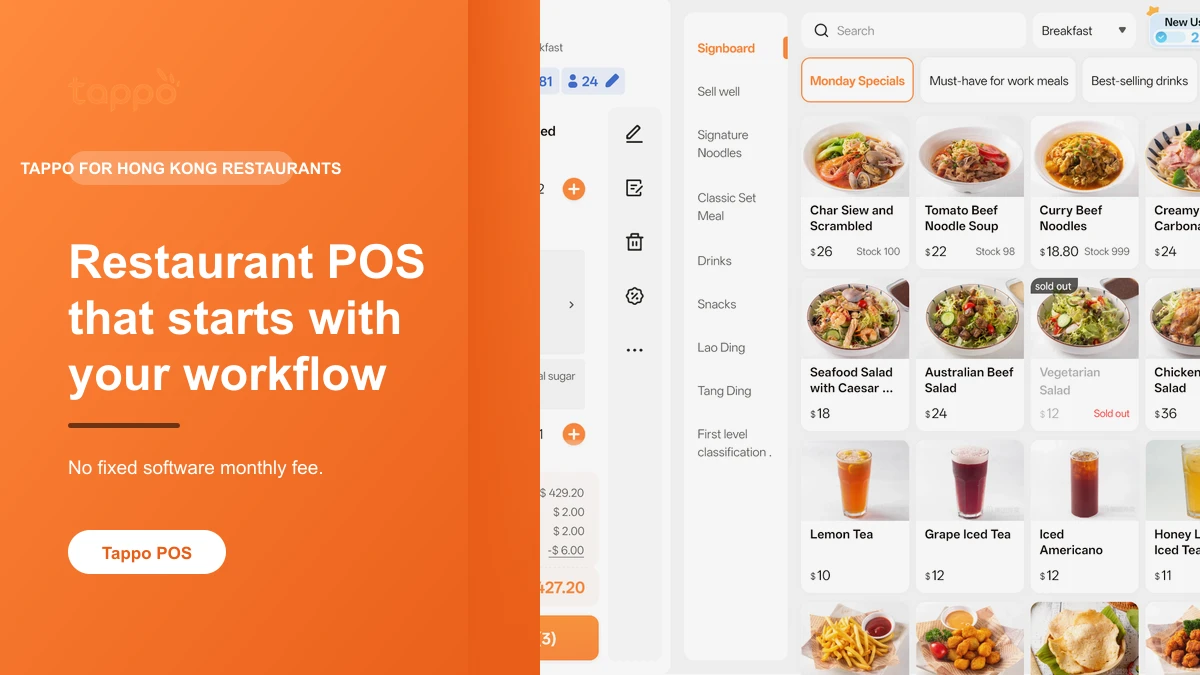
Looking for a restaurant POS system in Hong Kong? Tappo lets a food business begin with the part of service that needs attention now: front-counter order handling, menu and order administration, or a clearer view of daily operations. You do not need to rebuild every process before finding a practical starting point.
A restaurant POS without a fixed software monthly fee
Tappo is a restaurant POS for Hong Kong food businesses that need a clear starting point for orders, menus, QR ordering or daily operations. There is no fixed software subscription fee: eligible completed orders use credits under the applicable rules, and up to 3,000 eligible completed orders are charged per customer each month. New accounts receive 500 credits to use within 30 days of registration. Hardware is separate from credit usage, while payment, delivery and other arrangements are confirmed separately for each store.
| Pricing point | What it means for a restaurant |
|---|---|
| No fixed software subscription fee | Eligible completed orders use credits under the applicable rules. |
| Up to 3,000 eligible completed orders | The monthly credit limit is calculated per customer. |
| 500 credits for new accounts | Use them within 30 days of registration. |
Hardware is separate from credit usage, while payment, delivery and other arrangements are confirmed separately for each store. Tablets are generally reusable; printers require a model and interface check; an old POS or cash register cannot continue as the Tappo POS device; an existing KPay card machine may be reused when the store already has KPay; a cloud printer is optional. For the full explanation of credits and pricing, see Tappo’s no-monthly-fee POS pricing in Hong Kong.
In short
Tappo is best for Hong Kong restaurants, cafés, small food shops and self-pickup businesses that want to start by improving one part of the day: order handling, menus or operating visibility, without a fixed software monthly fee. Ask first if your shop depends on special equipment, a particular payment setup, delivery platforms or a more complex multi-location process.
Start with the part of service that is getting in the way
| If you are trying to solve this | A useful first question |
|---|---|
| Front-counter orders feel hard to follow | What should the staff see when an order is taken and handed over? |
| The menu or day-to-day settings keep changing | Which menu and order information needs one clear place to manage? |
| You need a clearer view of what is happening in the shop | Which operating highlights should the owner or manager check first? |
| You are considering QR ordering | Is QR ordering actually suitable for your restaurant before you build a new workflow? Read QR ordering for small restaurants in Hong Kong. |
How Tappo connects front-counter and back-office work
Tappo is built around everyday restaurant work, so a shop can start from the part that matters rather than forcing every store into one identical setup.
Front-counter order handling
Tappo can be used for taking orders at the front counter and following current order status. This is a practical place to start when the same handover questions keep coming up during service.
Menus, orders and everyday settings
Menu information, orders, business details and daily settings can be kept together. The point is to give the people running the shop a clearer place to work from when the menu changes.
A mobile view of operating highlights
Owners and managers can use a phone to check operating highlights. It is a way to stay closer to the business, not a claim that every task must be run from a phone.
See the product in real restaurant flows
The public Tappo product views below show three common starting points. They are real product screenshots, not mock interfaces.
QR ordering
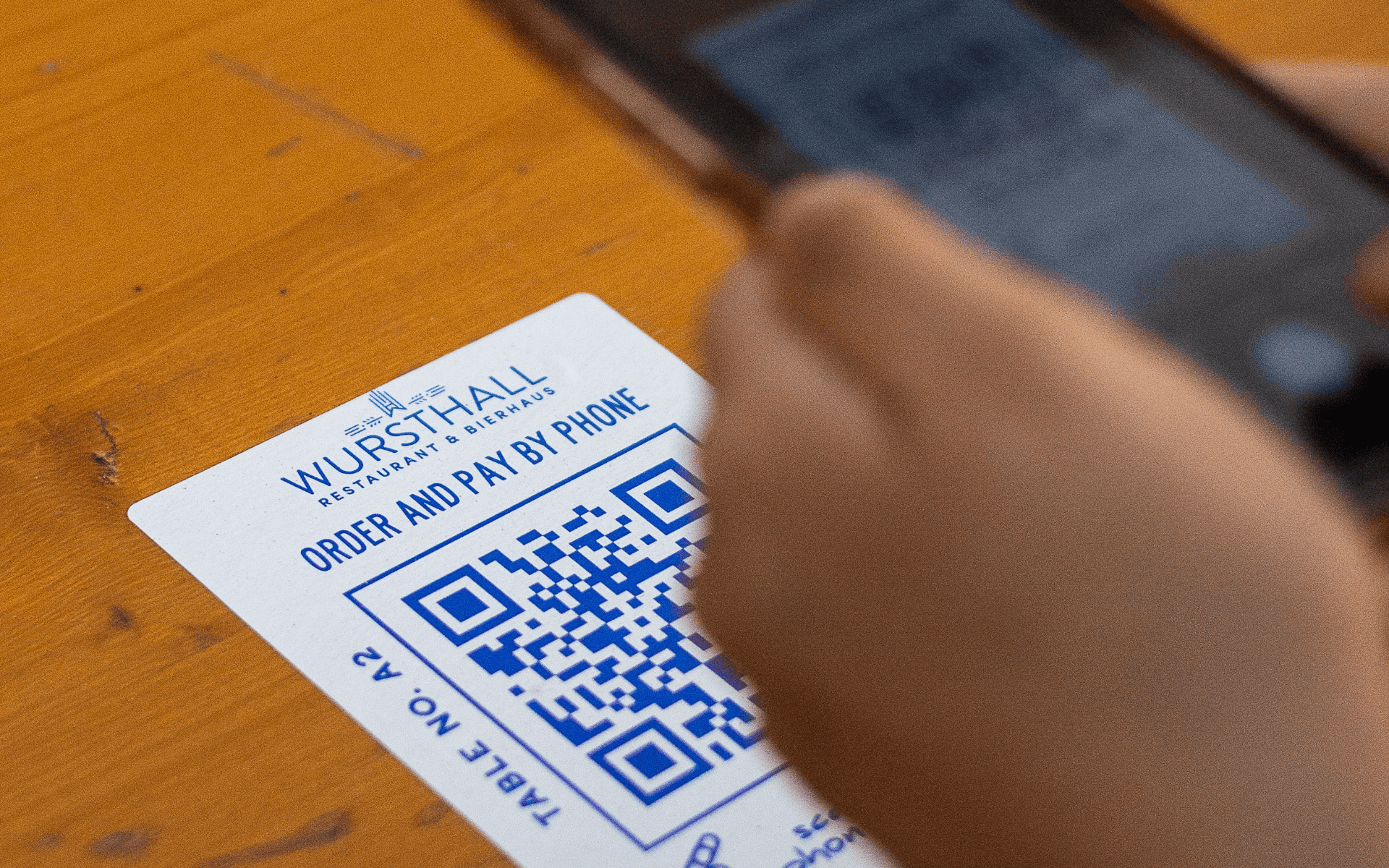
If you are considering a customer ordering flow, first check whether it works with your menu and in-shop arrangement. The QR page above is the right place to examine suitability in more detail.
Dine-in and front-counter order handling
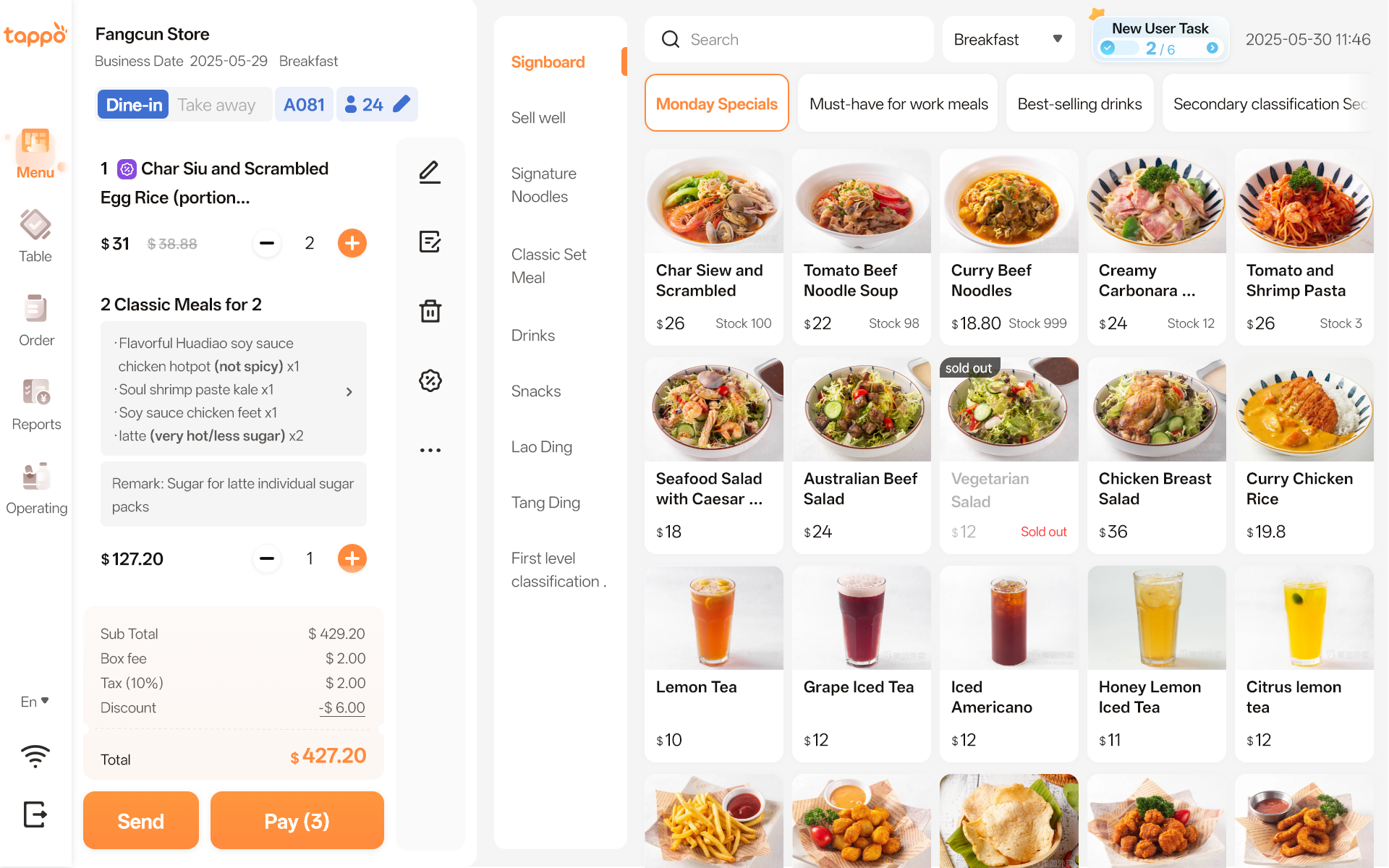
If your immediate concern is the handover around dine-in orders, start with the real order flow. If you are still choosing among POS approaches, use the restaurant POS comparison guide for Hong Kong.
Operating reports
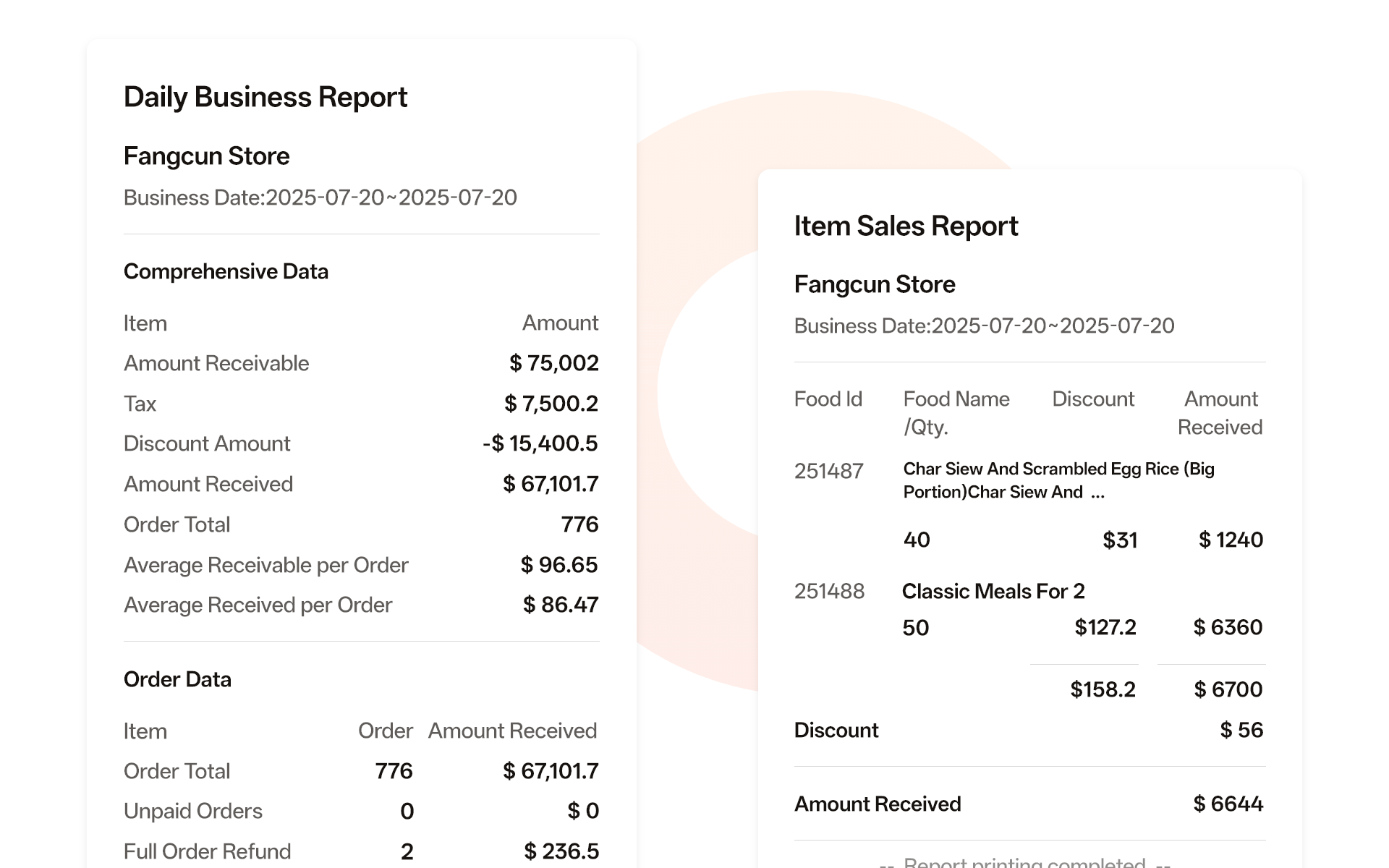
If you want a clearer view of operating information, this can be another starting point. For a practical daily-sales checklist for a small Hong Kong restaurant, see the restaurant daily sales report guide. The exact information worth checking still depends on the way your restaurant runs each day.
Is Tappo a sensible first step for your restaurant?
Tappo may be a good fit when:
- You run a restaurant, café, small food shop or customer self-pickup business in Hong Kong.
- You want to improve order handling, menus or operating visibility one step at a time.
- You want to understand an order-based pricing model before taking on a fixed software monthly fee.
Ask first when your setup has special requirements
Restaurants work in different ways. Before deciding, tell Tappo about your store type, approximate monthly completed orders, current equipment and dine-in or self-pickup flow. If you need a particular payment arrangement, delivery platform, equipment, printing workflow or a complex multi-location setup, ask first so the fit can be checked properly.
Choose the next question you need answered
| Your question | Best next page |
|---|---|
| How should I compare restaurant POS options? | Restaurant POS System Hong Kong: compare options |
| How do credits and no-monthly-fee pricing work? | No Monthly Fee POS Hong Kong: pricing and credits |
| What hardware should a restaurant prepare? | Restaurant POS hardware checklist |
| Is a QR ordering system suitable for a small restaurant? | QR ordering system for small restaurants |
> Source note: this page is based on Tappo’s publicly available product and pricing information. It describes only what is stated here; specific requirements are confirmed through an inquiry.
Want to see whether Tappo fits your restaurant?
Tell us your store type, approximate monthly completed orders, current equipment and dine-in or self-pickup flow. Tappo can help you decide what to check first.