


QR Menu and POS Menu Editing for Small Restaurants: What to Check Before You Start
 Jul 07,2026
  By Tappo Team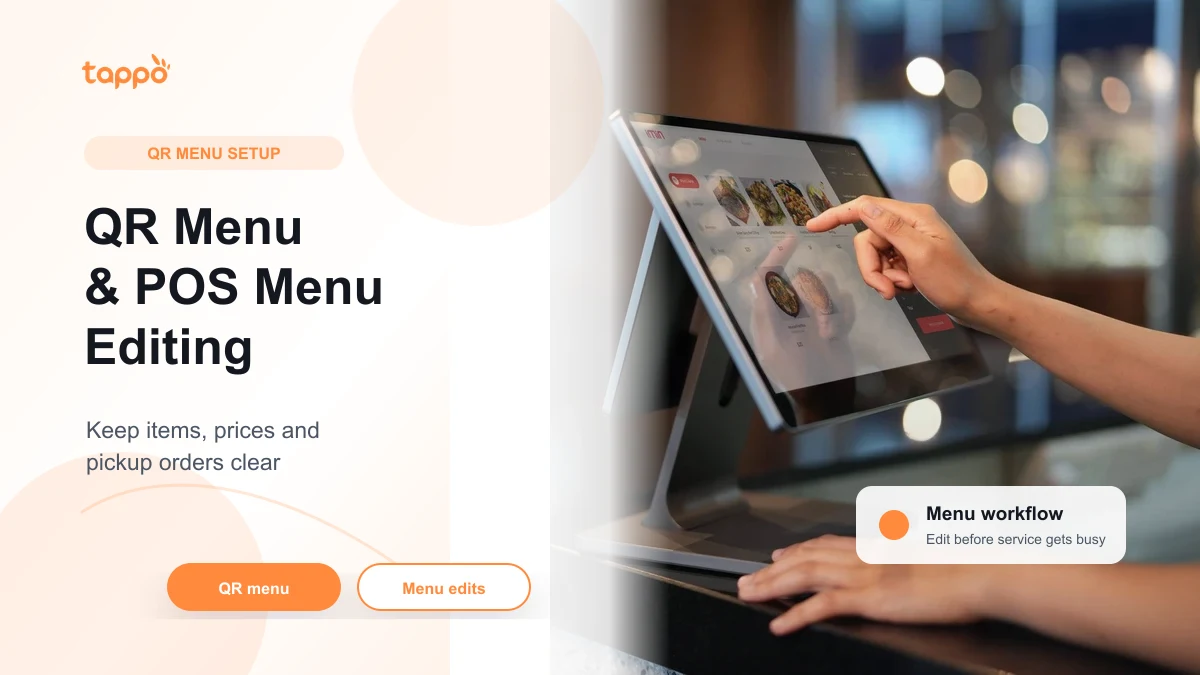
In short
Before using a QR menu system, check whether your team can update menu items, prices, options and sold-out status without slowing down service. It works best when QR menu, POS menu and self-pickup flow stay connected. Ask first if you need payment, delivery-platform or special hardware support.
Reviewed by: Tappo Team Last updated: July 2026
A QR menu system is not only a digital menu on a phone. For a small restaurant, the real test is whether the menu can stay accurate during service.
If staff cannot change prices, mark items as unavailable or keep pickup orders clear, QR ordering can create more confusion instead of less work.
Why Menu Editing Matters More Than the QR Code
Customers see the QR code first, but staff feel the menu workflow every day.
For a small shop, menu changes happen for practical reasons:
- one item sells out before closing;
- a topping or option is no longer available;
- lunch and evening menus are different;
- prices change after supplier cost changes;
- staff need to hide an item quickly during a busy period;
- self-pickup customers need clear order names or pickup details.
If these updates are hard to make, the QR menu becomes another place that staff need to manually check.
For the broader QR ordering decision, read QR Ordering System for Small Restaurants in Hong Kong.
QR Menu, Online Ordering and Delivery Platforms Are Different
These terms are often mixed together, but they are not the same.
| Term | What it usually means | What to check |
| QR menu | Customers scan and view menu on their phone | Can items, prices and availability be edited easily? |
| QR ordering | Customers scan and place an order | Can staff receive and identify orders clearly? |
| Self-pickup ordering | Customers order first and pick up from the shop | Can pickup orders be separated from dine-in and takeaway? |
| Delivery-platform integration | Connection with a marketplace delivery platform | Do not assume support unless confirmed for your setup. |
For Tappo’s current SEO content, self-pickup means customers place an order and come to the shop to pick it up. It is not the same as using a marketplace rider delivery flow.
For self-pickup workflow, read Self-pickup Ordering System for Small Takeaway Shops.
If you need to assess a marketplace delivery-platform workflow, read Restaurant POS Delivery-platform Integration in Hong Kong. If the question is about the POS, a payment provider and the customer payment step, read Restaurant POS Payment Provider Integration in Hong Kong. These are separate questions from menu editing and QR ordering, and the actual setup still needs confirmation.
A Practical Menu Editing Checklist
Before going live with QR menu or QR ordering, test the menu like a busy shift, not like a demo.
| Check | Why it matters |
| Item name and description | Customers should understand what they are ordering without asking staff. |
| Price edits | Staff need a clear way to update prices when needed. |
| Sold-out status | Unavailable items should not keep creating wrong orders. |
| Options and add-ons | Choices should be simple enough for customers and staff. |
| Menu sections | Lunch, snacks and drinks should be easy to browse. |
| Pickup labels | Self-pickup orders should be easy for staff to identify. |
| Staff permission | The right person should be able to make safe menu changes. |
If the team cannot complete these checks quickly, the shop may need a simpler menu structure before adding more ordering channels.
The Small-shop Test Before You Launch
Run a small test with real staff before showing the QR code to customers.
Try this flow:
- Create a short menu with your most common items.
- Change one price.
- Mark one item as unavailable.
- Place a QR order as a customer.
- Place a self-pickup order and check how staff identify it.
- Ask one staff member to update the menu without help.
- Review whether any step created confusion.
This test is more useful than asking whether the system has many features. A small restaurant needs a flow that staff can actually use during service.
What to Avoid
Do not launch a QR menu if the team has not decided how menu changes will be handled.
Common problems include:
- customers ordering items that are already sold out;
- staff editing the printed menu but forgetting the QR menu;
- too many options making orders unclear;
- pickup orders being mixed with walk-in counter orders;
- staff not knowing who is allowed to update prices;
- assuming delivery-platform or payment support without checking.
These issues are not only technical. They affect service speed and customer trust.
Where Tappo Fits
Tappo is designed for Hong Kong restaurants and small shops that want to keep ordering and menu workflow easier to manage.
Tappo may be relevant if your shop wants to:
- use QR ordering;
- keep menu changes practical for a small team;
- support takeaway or customer self-pickup flow;
- avoid a monthly software fee;
- avoid a long-term contract;
- start with current pricing terms as a new user.
Tappo may not be the right fit if your main requirement depends on a specific payment method, delivery-platform integration or hardware setup that has not been confirmed.
For a wider POS comparison, read Restaurant POS System in Hong Kong: How to Compare Options. For pricing model details, read No Monthly Fee POS in Hong Kong.
Learn more about Tappo Hong Kong POS.
FAQ
What is a QR menu system?
A QR menu system lets customers scan a code and view the menu on their phone. Some setups also allow customers to place orders from the menu.
Is a QR menu the same as QR ordering?
Not always. A QR menu may only show menu information. QR ordering means customers can place an order through the scanned flow.
Why is POS menu editing important?
Menu editing matters because prices, item availability and options change during real service. If the QR menu and POS menu do not stay clear, staff may need extra manual checks.
Should a small restaurant use QR menu before QR ordering?
It can, but the shop should still test menu updates, sold-out items and staff handoff. A menu that is easy to view is not enough if orders become unclear.
Does Tappo charge a monthly fee?
No. Tappo has no monthly fee and no long-term contract.
Planning a QR menu or QR ordering flow?
Tell Tappo your menu style, order flow and team size. We can help you think through whether your menu setup is ready before you go live.
Start with current pricing terms
Compare restaurant POS options
Want to check the next step for your shop?
Share your shop type, menu, order flow and current equipment with Tappo so the next check stays specific.